Windows 11:解決無法開啟 Windows 安全性(您需要新的應用程式才能開啟此 windowsdefender 連結)
萌芽站長
作業系統 , Windows
⚠️ 溫馨提醒:我們發現您可能啟用了廣告阻擋器,請將本站加入白名單以正常閱讀文章內容,謝謝支持 ❤️
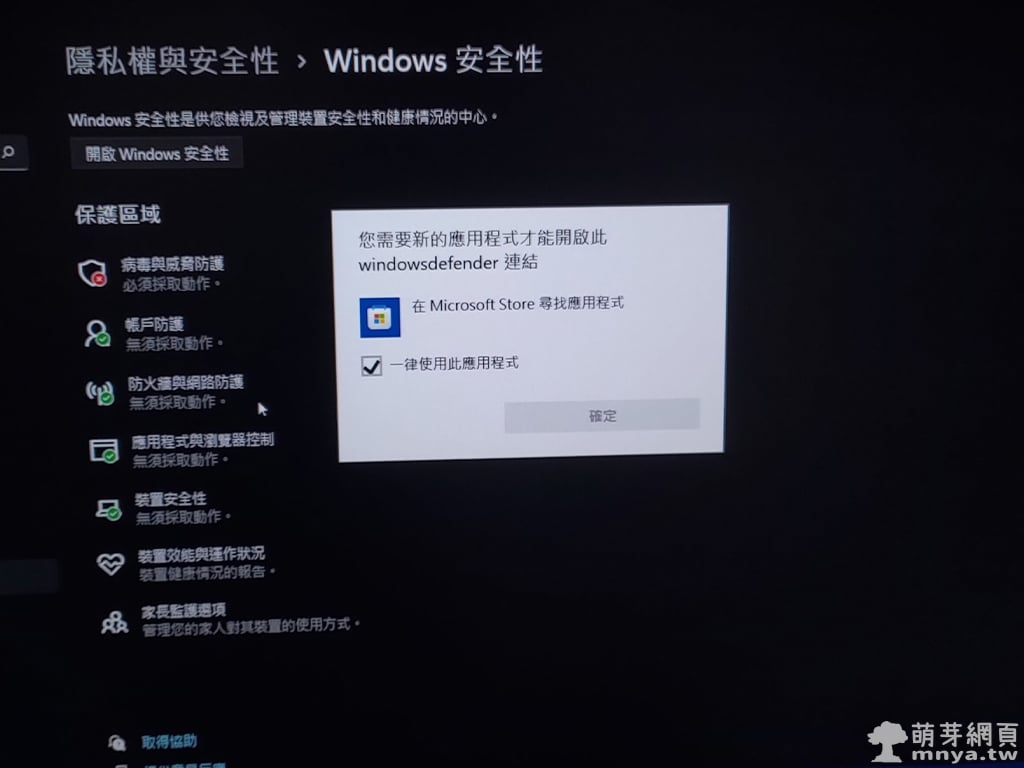
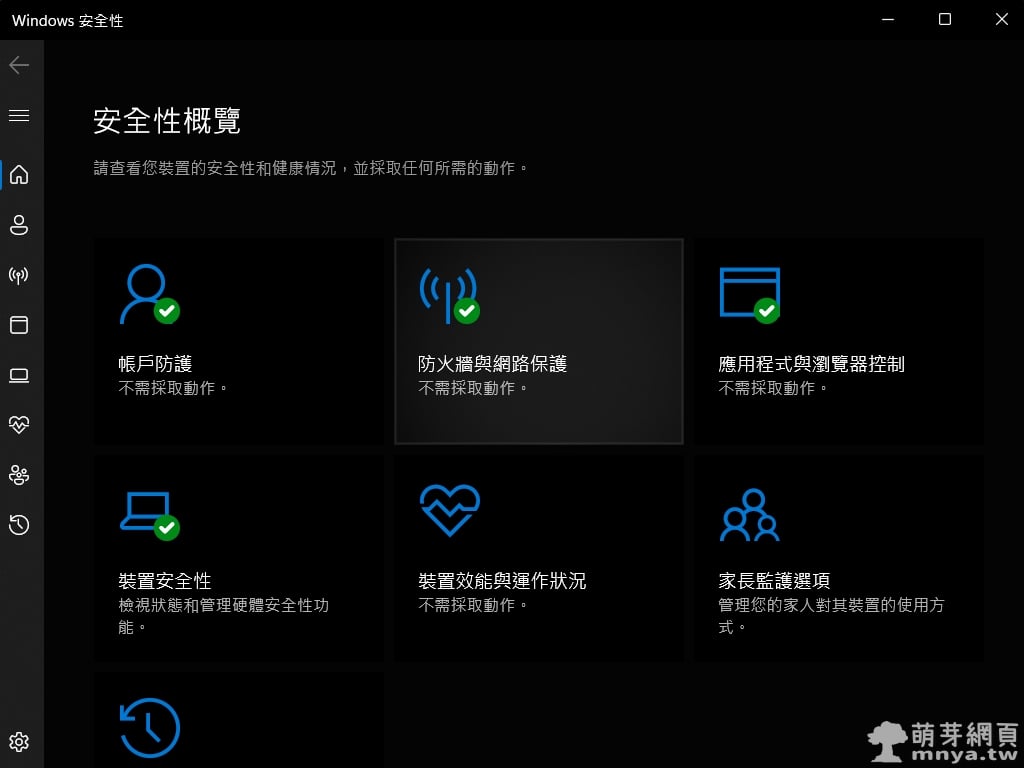
剛從 Windows 10 升級至 Windows 11 馬上就發現一個嚴重的 BUG,就是無法開啟 Windows 安全性(包含了原來的 Windows Defender),點任何有關原先 Windows Defender 的功能都會跳出「您需要新的應用程式才能開啟此 windowsdefender 連結」的提示視窗,要我用 Microsoft Store 尋找應用程式,重點是即便這樣做也會出現找不到的空白畫面,看來微軟連自家的東西都可以搞成這樣也是很厲害呀!
解決方法非常簡單,就是使用系統管理員身分打開 PowerShell,接著輸入以下指令並執行即可!
Get-AppxPackage Microsoft.SecHealthUI -AllUsers | Reset-AppxPackage
原理基本上就是重置 Windows 安全性啦!
贊助廣告 ‧ Sponsor advertisements
Windows 10 周年更新 版本1607 📆 2016-08-03 📁
作業系統, 資訊新聞, Windows
Windows 11:工作列字型不一致、出現少許的新細明體? 📆 2022-06-04 📁
作業系統, Windows
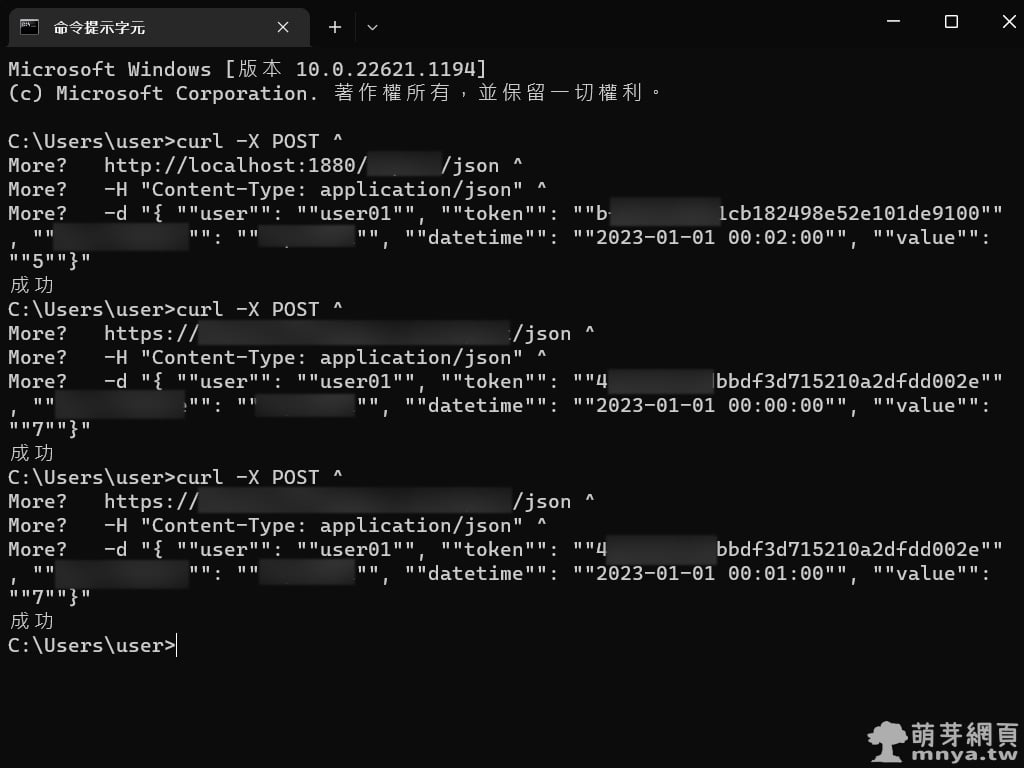
Windows 終端機使用 curl 發送 POST 請求 📆 2023-02-08 📁
作業系統, Windows
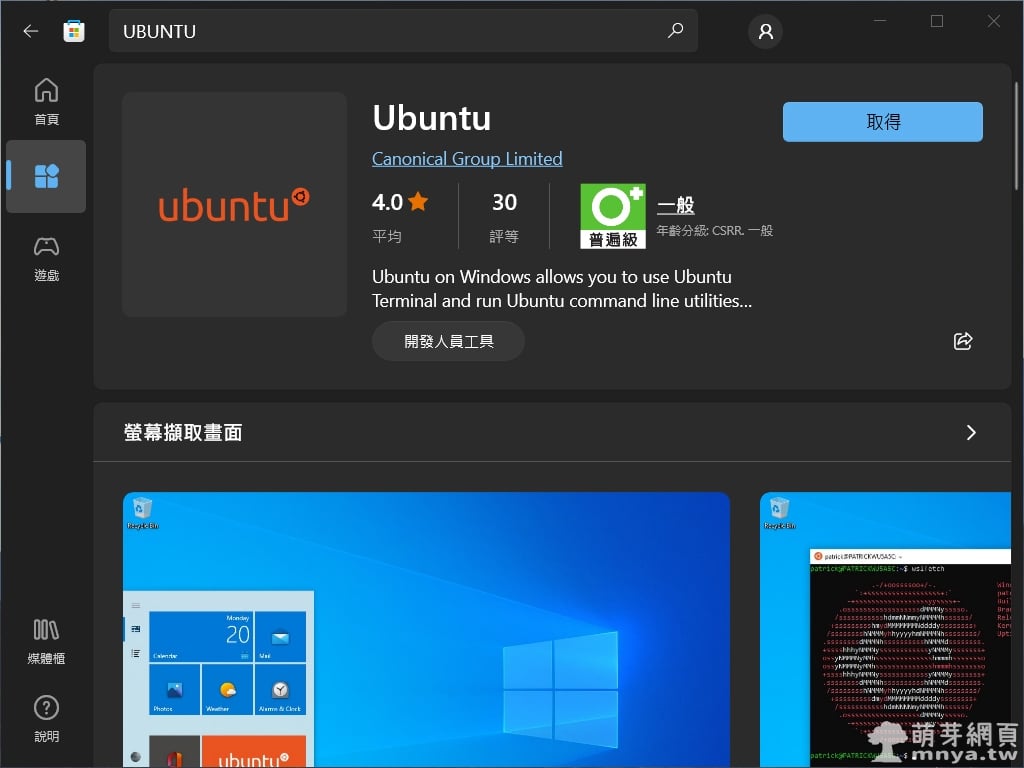
運用 WSL 在 Windows 上運行 Ubuntu 📆 2021-12-25 📁
作業系統, Windows, Linux, Ubuntu
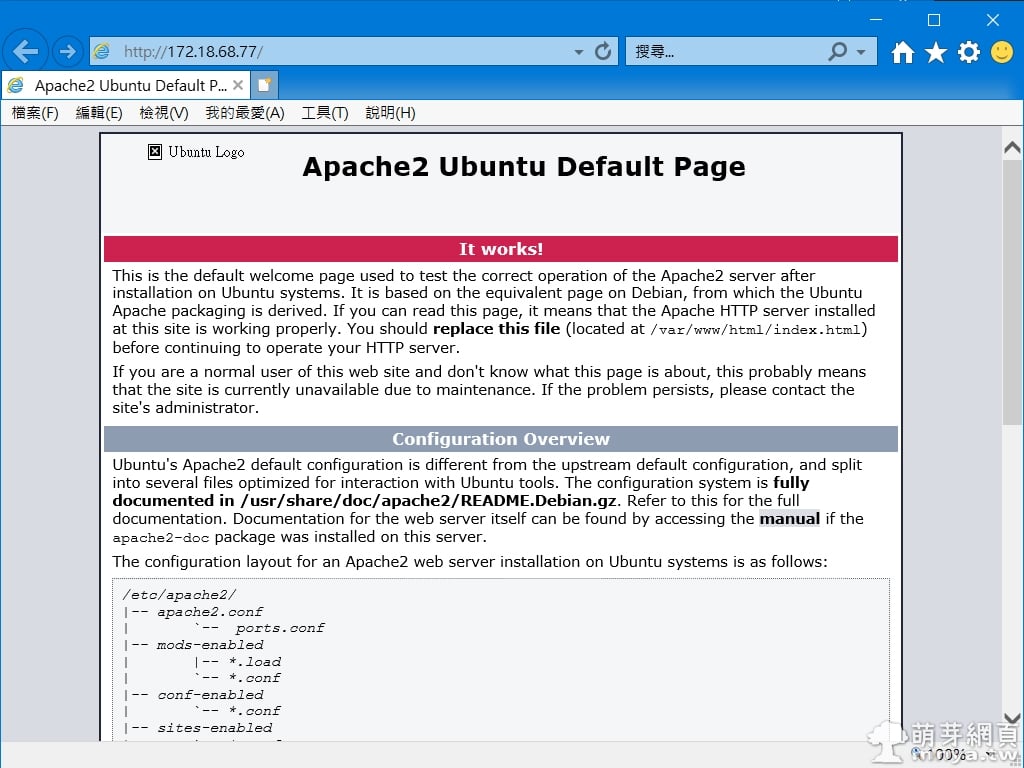
WSL&Ubuntu:如何從外部瀏覽器開啟內部 Apache 伺服器架設之網站 📆 2022-01-18 📁
作業系統, 伺服器, Windows, Linux, Ubuntu
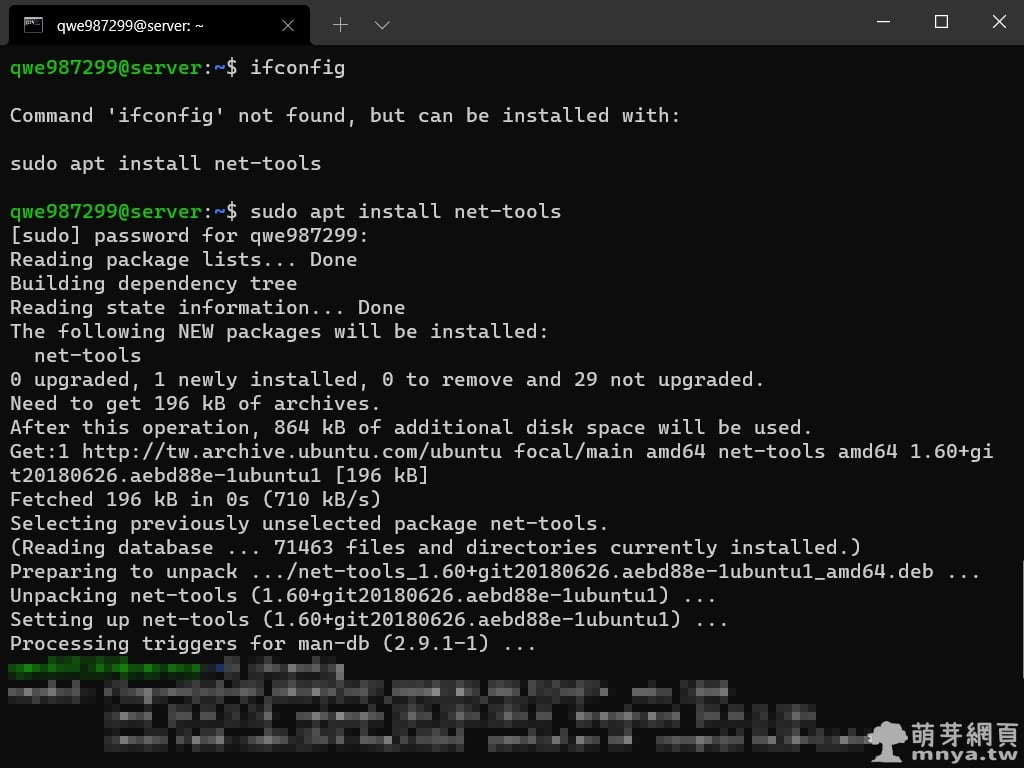
Ubuntu:解決 ifconfig 無法使用的問題 📆 2021-10-12 📁
作業系統, 伺服器, Linux, Ubuntu
Windows 11:將工作列由預設置中改為左側對齊 📆 2022-06-05 📁
作業系統, Windows
【Windows】微軟正黑體 📆 2013-01-01 📁
作業系統, Windows

 《上一篇》Windows 10 使用 Windows Update 升級 Windows 11 完整過程記錄


留言區 / Comments
萌芽論壇