【Elementary OS】安裝Google Chrome教學
2014/04/25
萌芽站長
1,127 0
瀏覽器 , 作業系統 , Linux , Elementary OS , Google Chrome
⚠️ 溫馨提醒:我們發現您可能啟用了廣告阻擋器,請將本站加入白名單以正常閱讀文章內容,謝謝支持 ❤️
Elementary OS也可以安裝Google Chrome唷!現在就來試試吧!

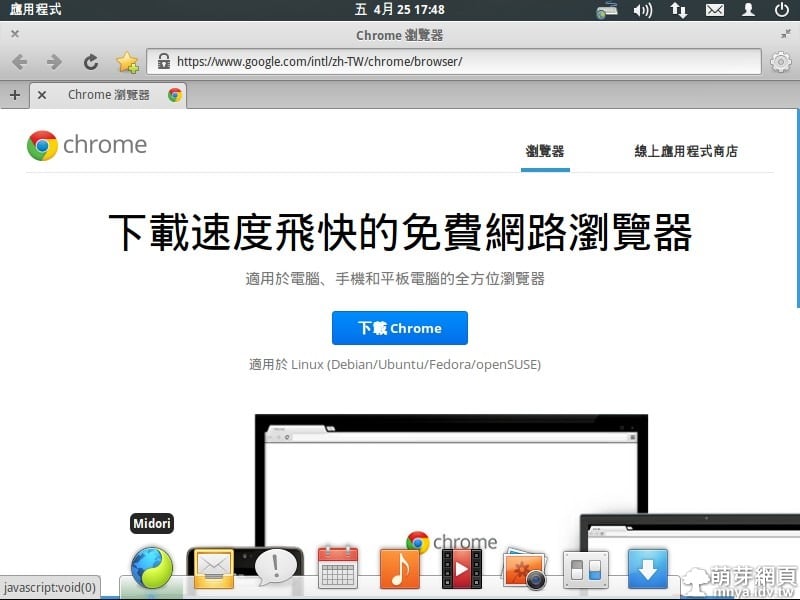
▲用預設瀏覽器開啟Google Chrome官方網站並下載。
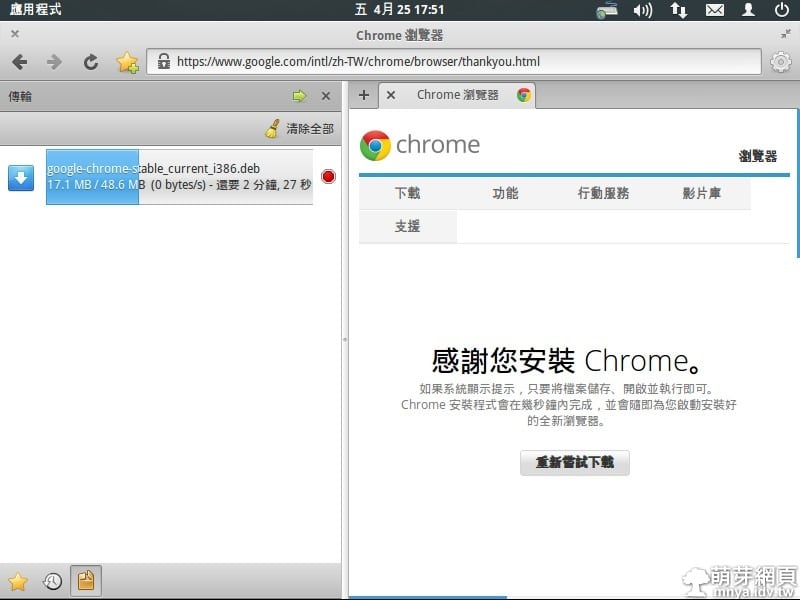
▲下載中~
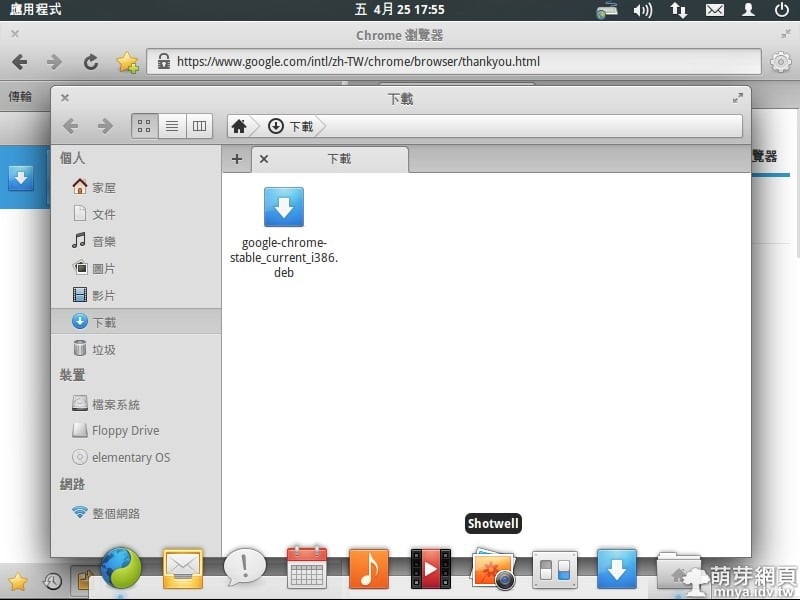
▲打開所在資料夾並開啟安裝檔~
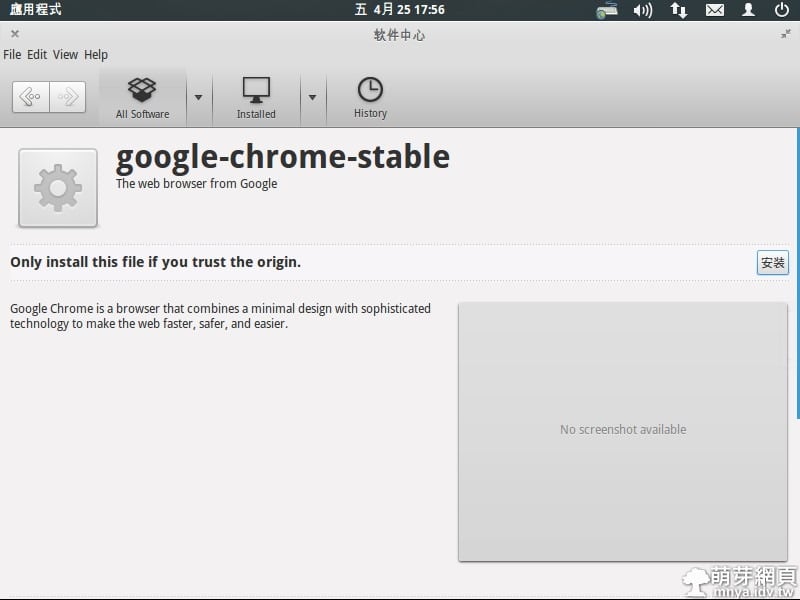
▲點"安裝"~
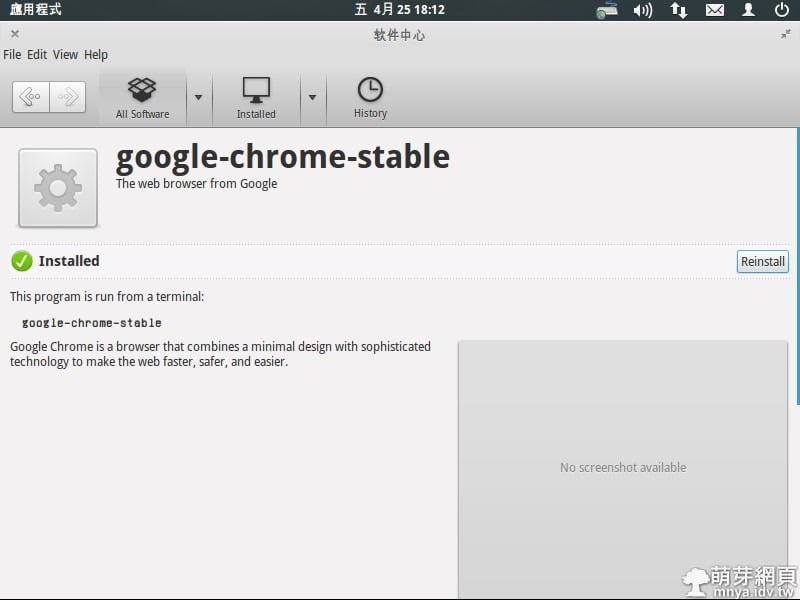
▲稍後一段時間即可安裝完成!
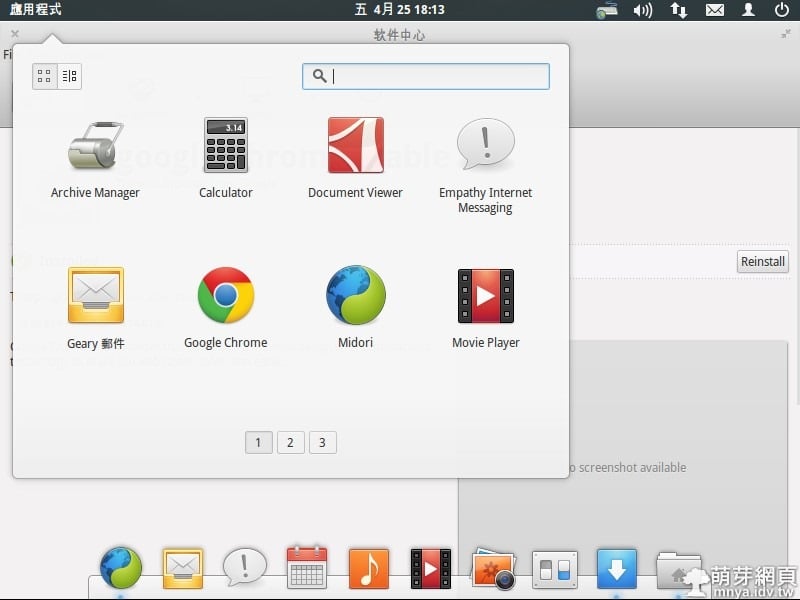
▲按左上角"應用程式",找到Google Chrome並開啟它~
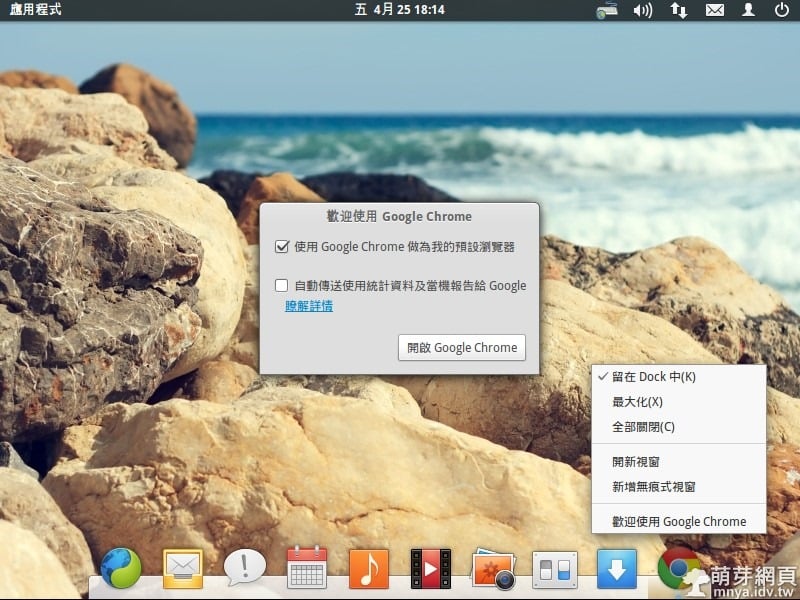
▲依需求設定是否為預設瀏覽器,下方Dock可以固定Google Chrome~
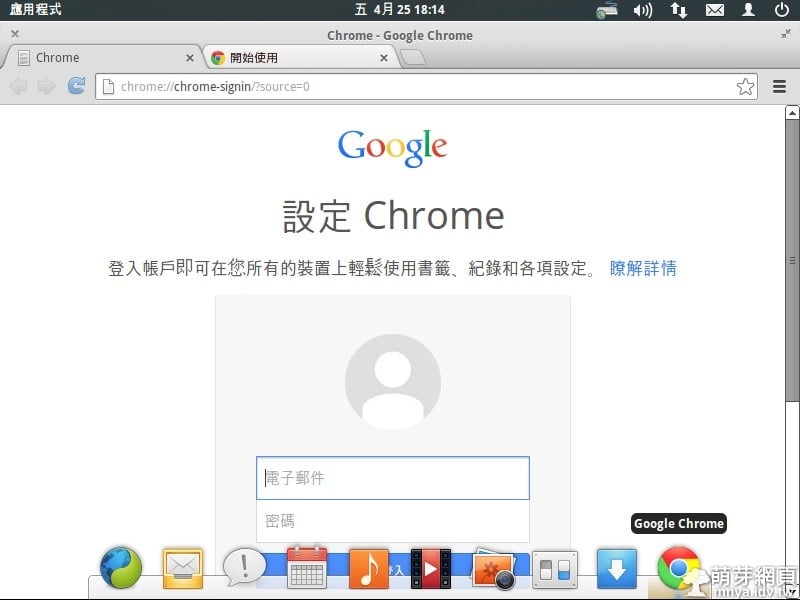
▲首次開啟的樣子~
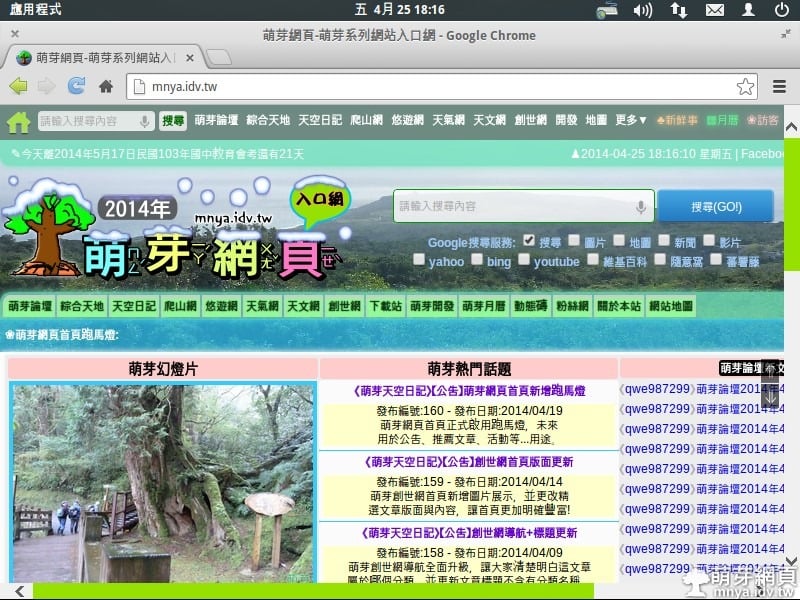
▲瀏覽萌芽網頁的樣子~
贊助廣告 ‧ Sponsor advertisements
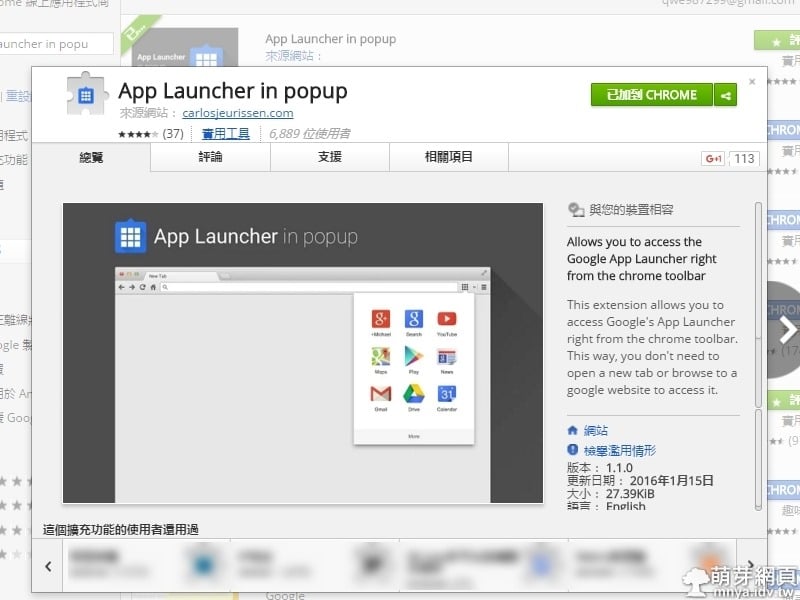
Google Chrome擴充功能:App Launcher in popup
📆 2016-02-02
📁
瀏覽器, Google Chrome, 擴充元件
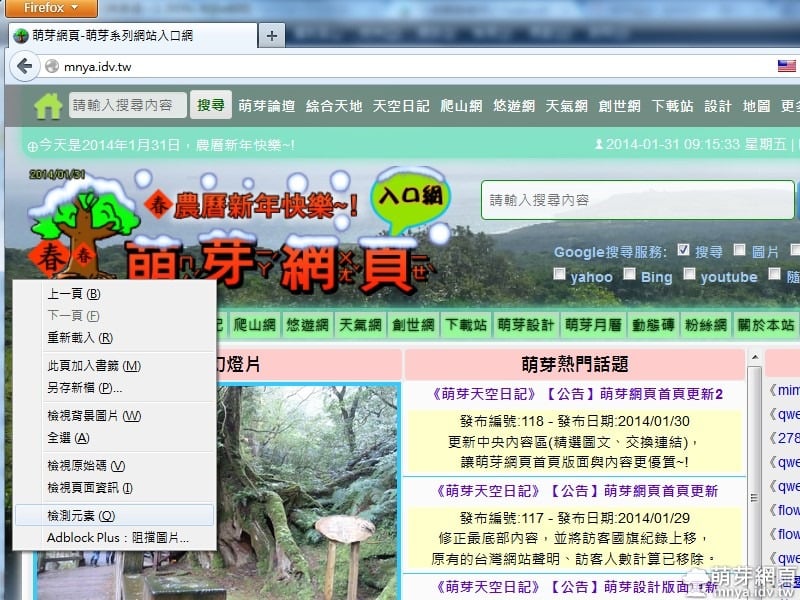
Firefox網頁3D檢視
📆 2014-01-31
📁
軟體應用, 瀏覽器, Firefox
資管の小教室(實用小技巧、趨勢與方向、資安問題)
📆 2019-12-09
📁
生活相關, 軟體應用, 瀏覽器, 行動平台, 行動裝置, 資訊安全, 串流媒體, 學業筆記, Google Chrome, 擴充元件, Android
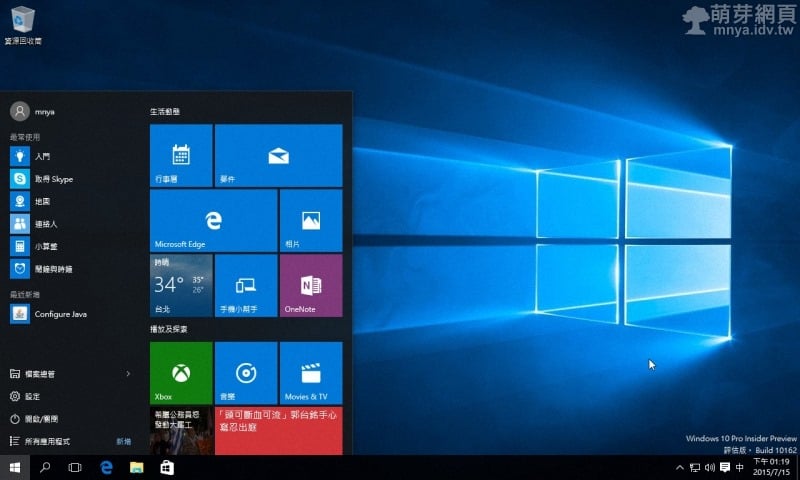
【Windows 10 Build 10162】初次嘗試使用記錄
📆 2015-07-15
📁
作業系統, Windows
Windows Sandbox:系統原生沙箱模式開啟教學
📆 2019-05-27
📁
作業系統, 資訊安全, Windows
【Windows】微軟正黑體
📆 2013-01-01
📁
作業系統, Windows
Windows:工作排程器設定每 1 分鐘執行特定 EXE 程式
📆 2024-07-15
📁
作業系統, Windows
Google Chrome 手機版下載離線網頁教學
📆 2016-12-24
📁
瀏覽器, 行動平台, Google Chrome, APP應用




留言區 / Comments
萌芽論壇