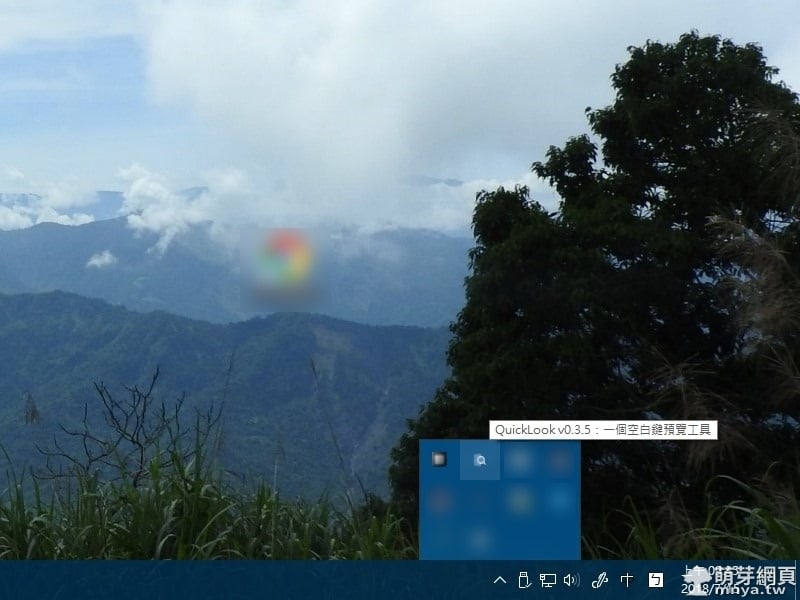
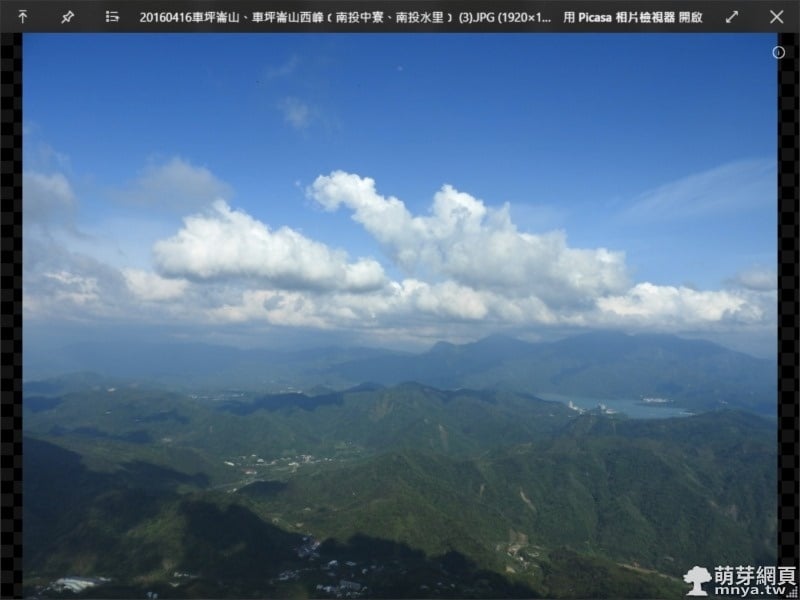
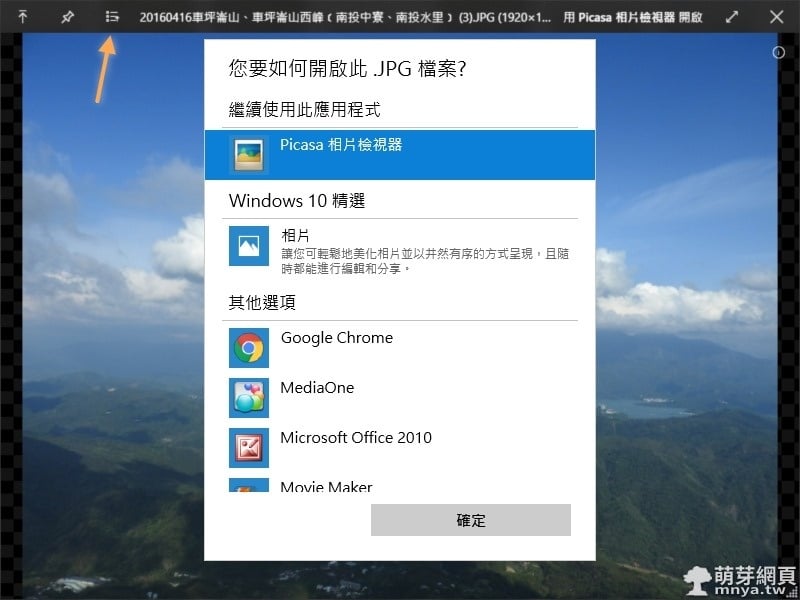
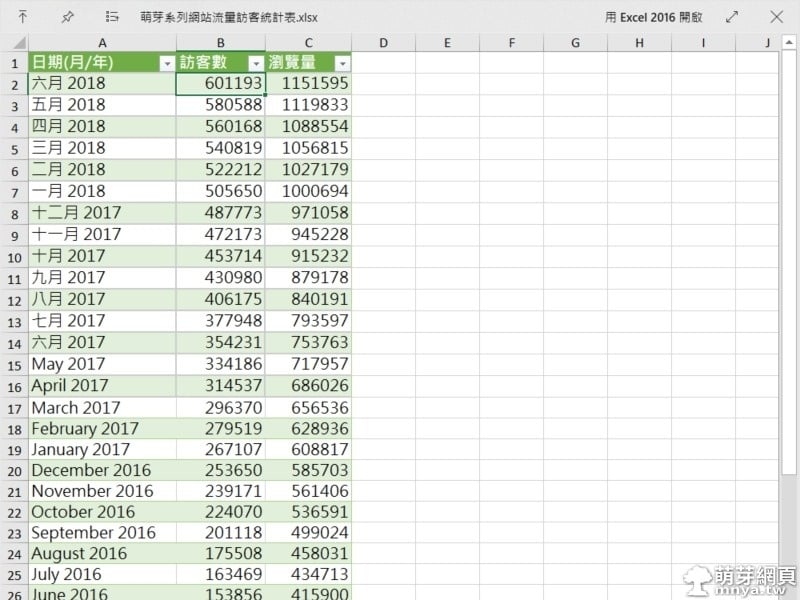
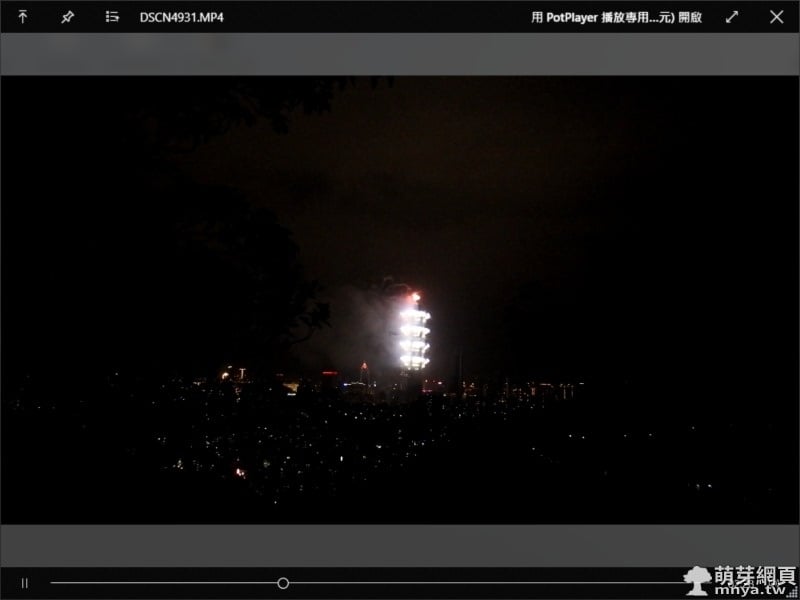
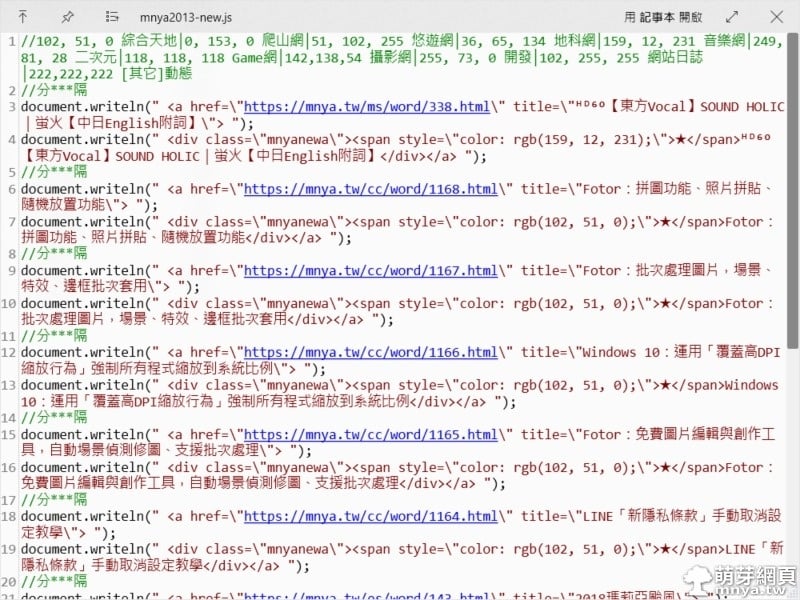
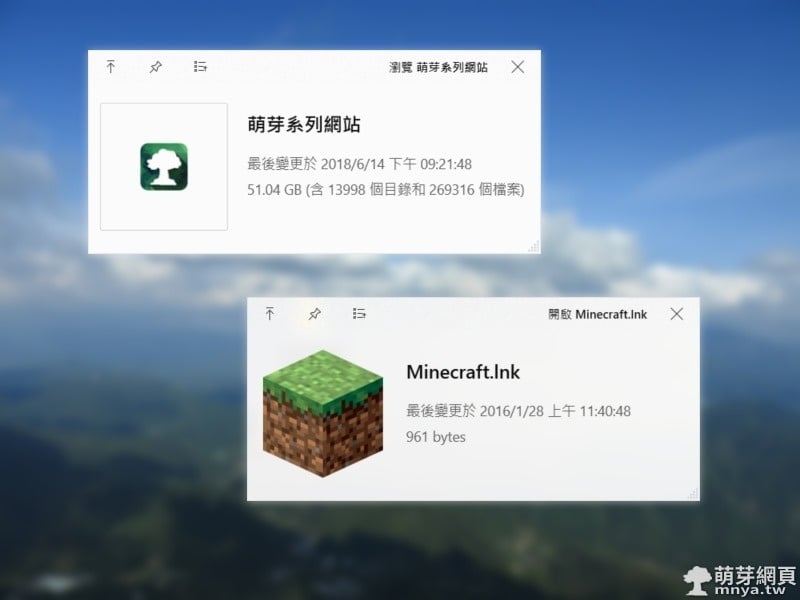
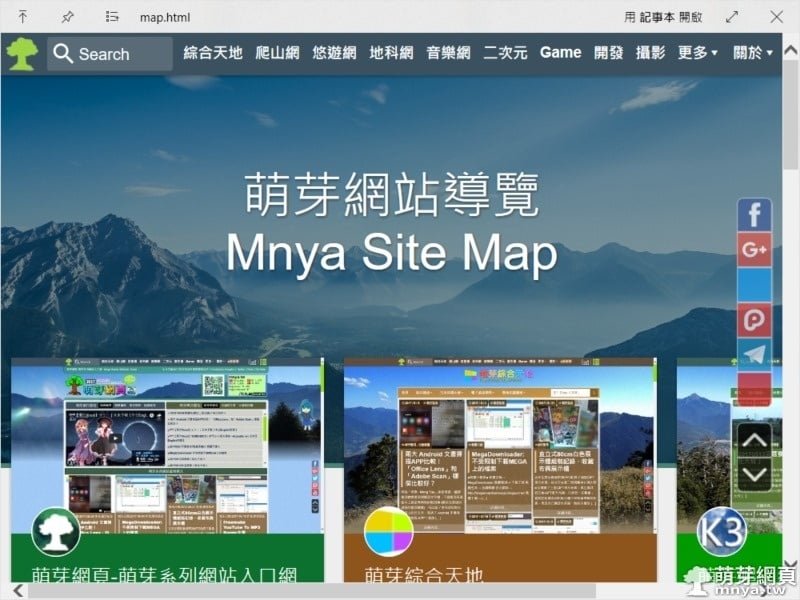
「QuickLook」是一個 Windows APP,無法運行在 Windows S 系統上,因為要配合檔案總管才能運作,只要選取任何檔案/目錄後按鍵盤空白鍵就能快速預覽那個選取的檔案/目錄,基本上站長測試了各種檔案都是可以預覽的,真的很方便! ▲安裝好「QuickLook」就會出現在右下角的工作區內。 ▲照片快速預覽。 ▲左上往右第三顆按鈕用來以其他程式開啟這個檔案。 ▲EXCEL 快速預覽。 ▲影片快速預覽。 ▲JS檔快速預覽。 ▲目錄與捷徑快速預覽。 ▲HTML檔快速預覽。 贊助廣告 ‧ Sponsor advertisements 【Elementary OS】初次嘗試使用記錄 📆 2014-04-24 📁 作業系統, Linux, Elementary OS Ubuntu:使用 ip route 與 nmcli 設定靜態路由的完整教學與差異分析 📆 2025-11-05 📁 作業系統, 伺服器, Linux, Ubuntu Windows 10:關閉/隱藏工作列右下角「新聞和興趣」(天氣+溫度) 📆 2021-08-08 📁 作業系統, Windows Ubuntu:安裝 Docker Compose 至伺服器之完整教學 📆 2021-10-15 📁 作業系統, 伺服器, Linux, Ubuntu 【Windows 10】找回 Windows 體驗指數功能(64位元) 📆 2017-02-17 📁 作業系統, Windows Ubuntu:安裝 Nginx 做反向代理(Reverse Proxy)設定教學 📆 2023-01-07 📁 作業系統, 伺服器, Linux, Ubuntu Windows 11:永久停用 Windows Update 自動更新 📆 2023-10-19 📁 作業系統, Windows Windows 相片:建立會在影片中移動的繪圖 📆 2018-07-03 📁 作業系統, Windows 《上一篇》Fotor:拼圖功能、照片拼貼、隨機放置功能 《下一篇》Bigjpg:AI 人工智慧圖片線上無損放大工具



 《上一篇》Fotor:拼圖功能、照片拼貼、隨機放置功能
  《下一篇》Bigjpg:AI 人工智慧圖片線上無損放大工具


留言區 / Comments
萌芽論壇