【Elementary OS】安裝Google Chrome教學
2014/04/25
萌芽站長
1,447 2
瀏覽器 , 作業系統 , Linux , Elementary OS , Google Chrome
⚠️ 溫馨提醒:我們發現您可能啟用了廣告阻擋器,請將本站加入白名單以正常閱讀文章內容,謝謝支持 ❤️
Elementary OS也可以安裝Google Chrome唷!現在就來試試吧!

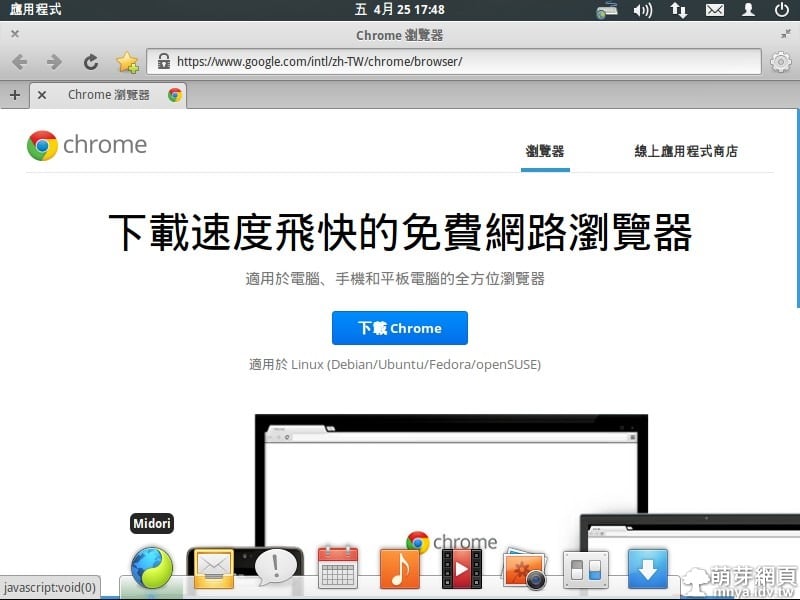
▲用預設瀏覽器開啟Google Chrome官方網站並下載。
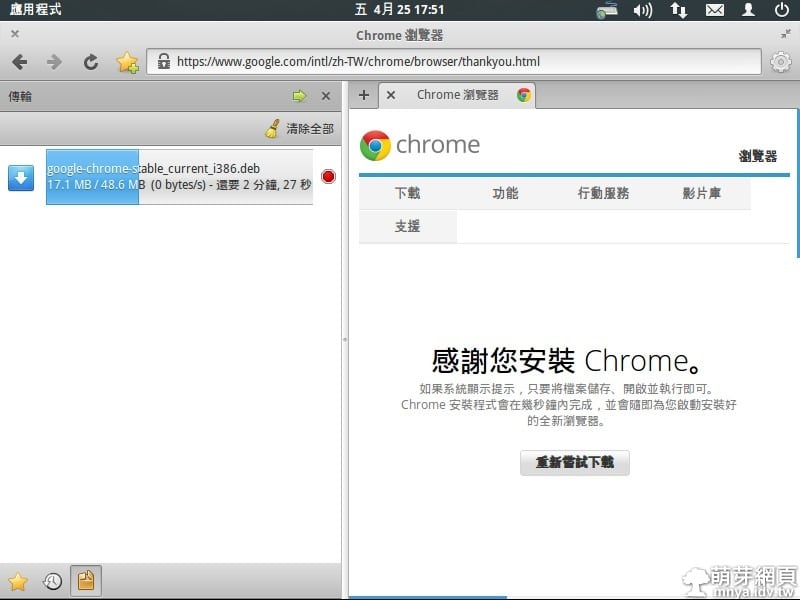
▲下載中~
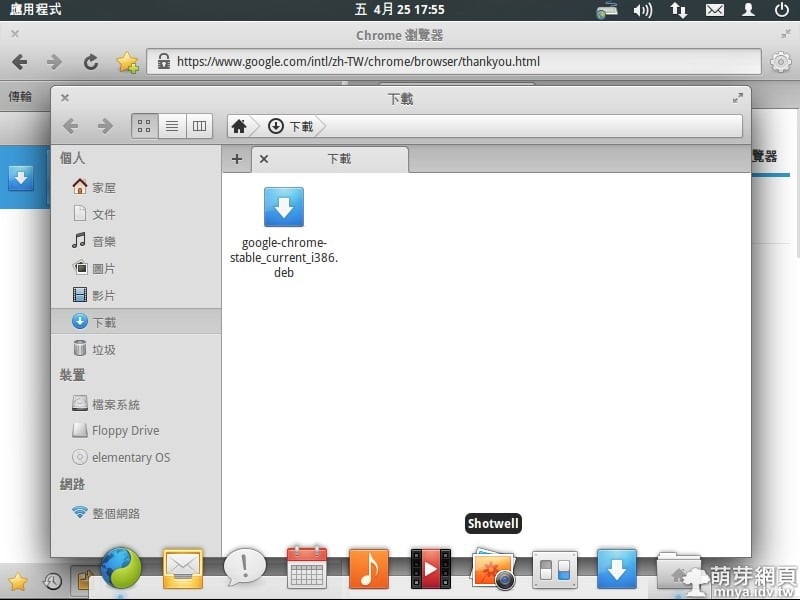
▲打開所在資料夾並開啟安裝檔~
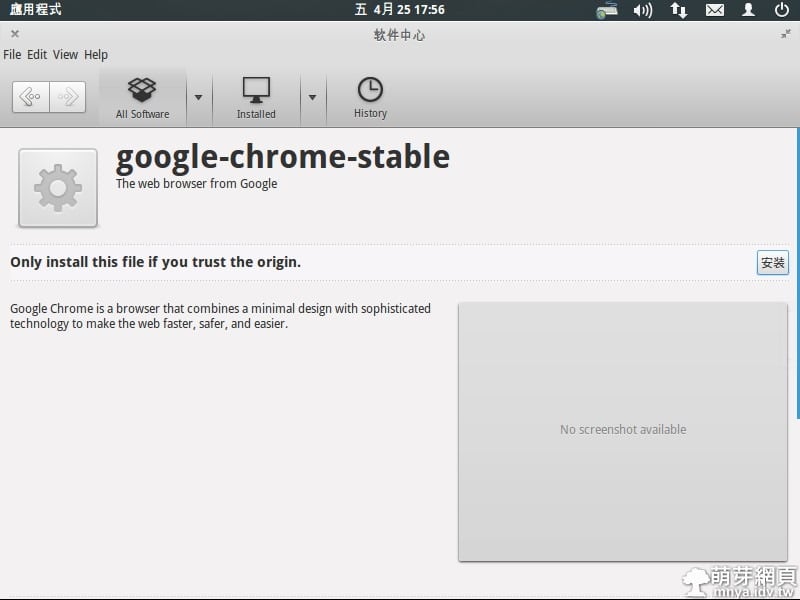
▲點"安裝"~
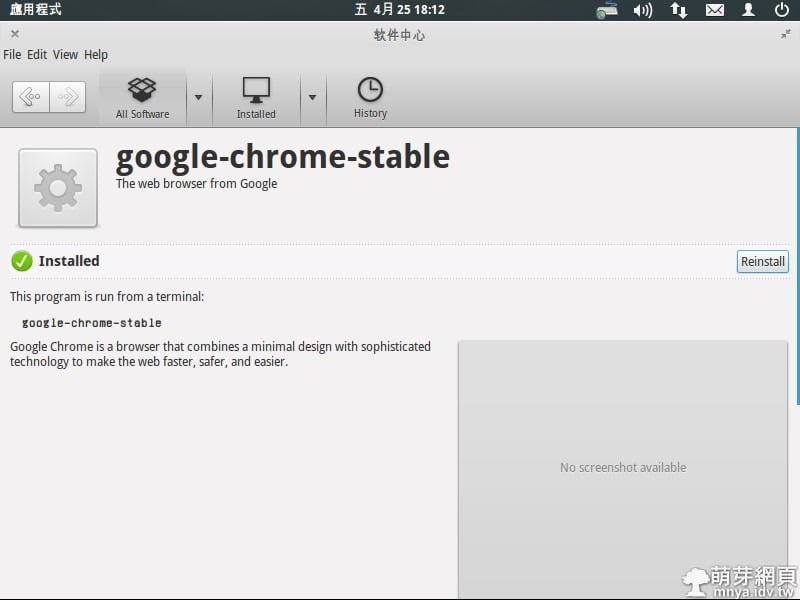
▲稍後一段時間即可安裝完成!
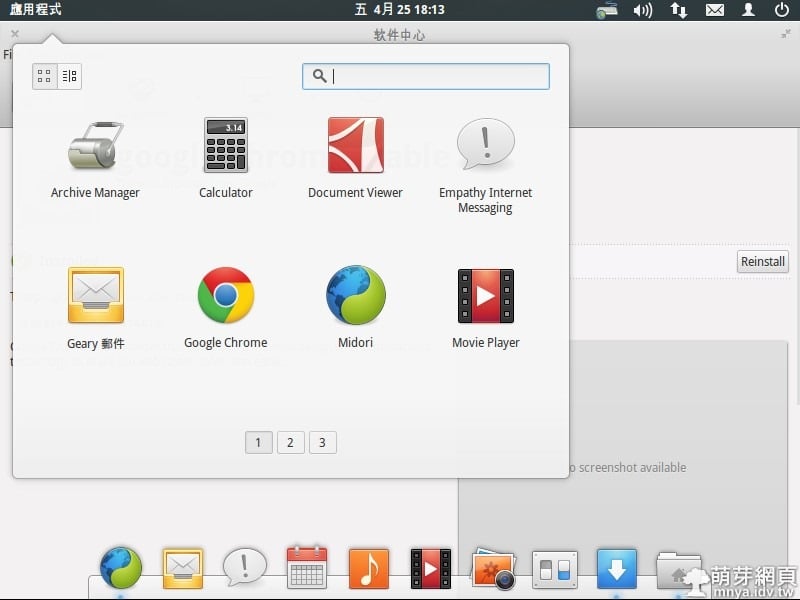
▲按左上角"應用程式",找到Google Chrome並開啟它~
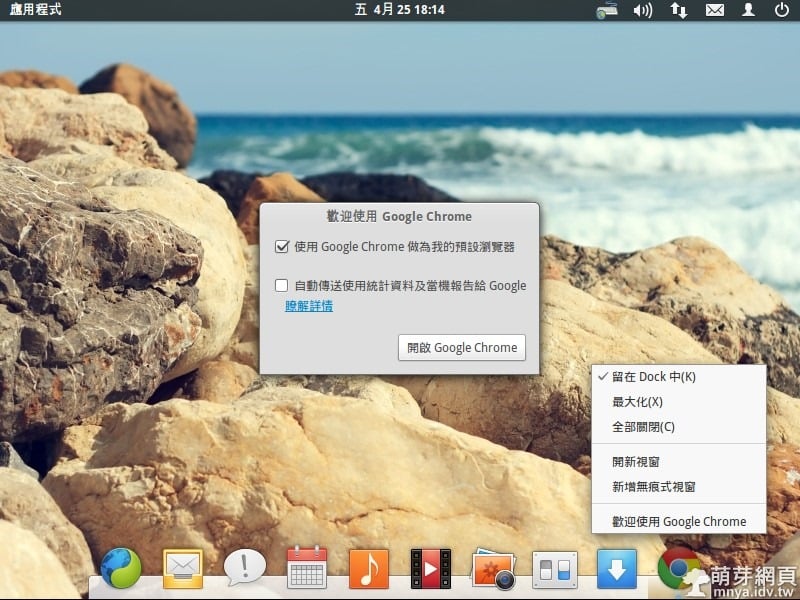
▲依需求設定是否為預設瀏覽器,下方Dock可以固定Google Chrome~
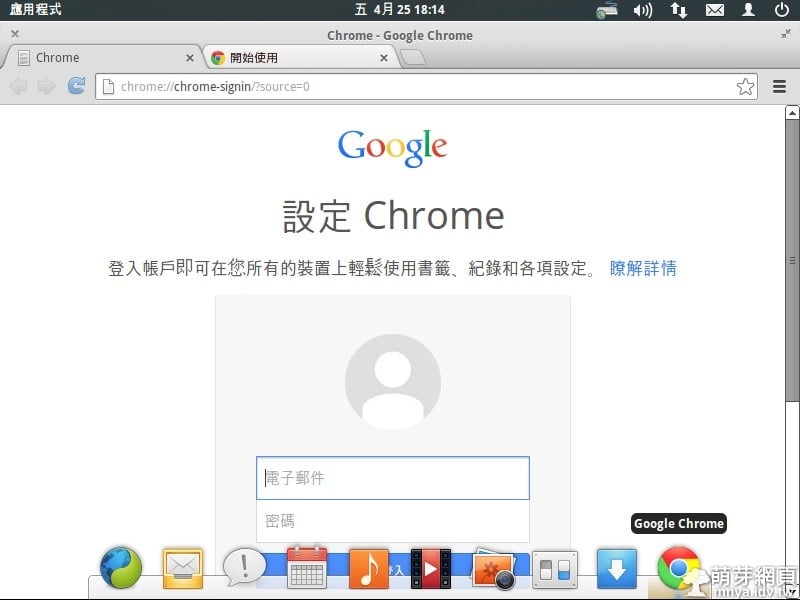
▲首次開啟的樣子~
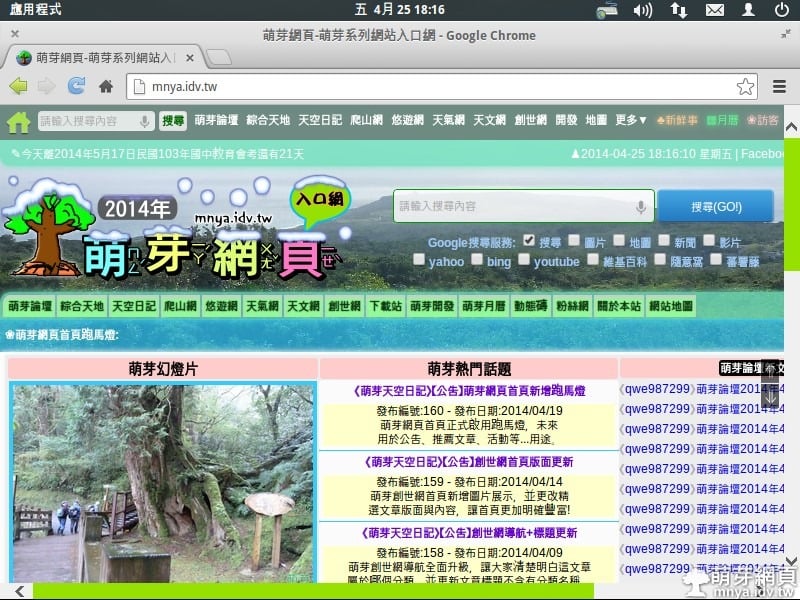
▲瀏覽萌芽網頁的樣子~
贊助廣告 ‧ Sponsor advertisements
Opera Neon:電腦專用的概念瀏覽器、未來瀏覽器
📆 2017-01-13
📁
軟體介紹, 瀏覽器, Opera
運用 Windows 日文微軟輸入法打出顏文字教學
📆 2018-01-16
📁
作業系統, Windows
Google chrome自訂字型
📆 2013-01-01
📁
軟體應用, 瀏覽器, Google Chrome
Lee-Su-Threads 哩速隨:一眼看穿 Threads 貼文作者的地點資訊
📆 2025-12-11
📁
軟體應用, 瀏覽器, Google Chrome, Edge, 擴充元件
【Windows 10 Build 10162】初次嘗試使用記錄
📆 2015-07-15
📁
作業系統, Windows
Google Chrome設定:管理系統儲存的密碼
📆 2014-03-04
📁
軟體應用, 瀏覽器, Google Chrome
Windows 連線:投影 Android 裝置影像與聲音至電腦上
📆 2018-05-20
📁
軟體應用, 作業系統, Windows
儲存至 Google 雲端硬碟:將任何網頁完整截圖並存入 Google 雲端硬碟
📆 2018-12-19
📁
瀏覽器, Google Chrome, 擴充元件




留言區 / Comments
萌芽論壇