【Windows 10 Build 9841】Technical Preview 技術預覽版安裝教學
2014/10/03
萌芽站長
959 3
作業系統 , Windows
⚠️ 溫馨提醒:我們發現您可能啟用了廣告阻擋器,請將本站加入白名單以正常閱讀文章內容,謝謝支持 ❤️
Windows 10 技術預覽版已經開放下載,讓我們試試使用虛擬電腦安裝Windows 10 技術預覽版吧!
建議使用VMware Player模擬,安裝時間有些長,請選擇電腦效能較好電腦進行模擬,以免當機。

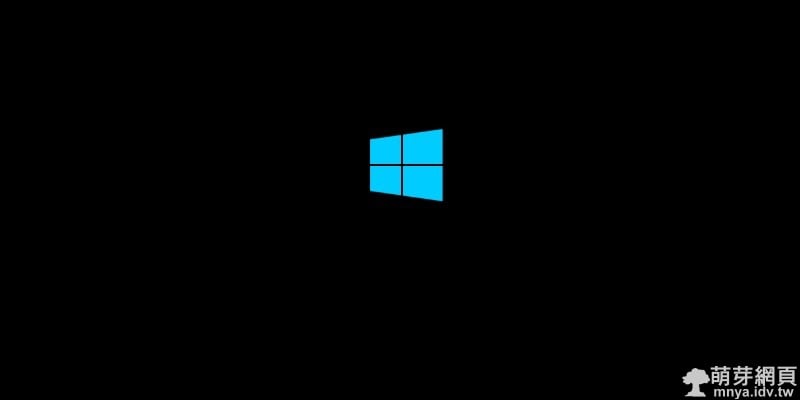
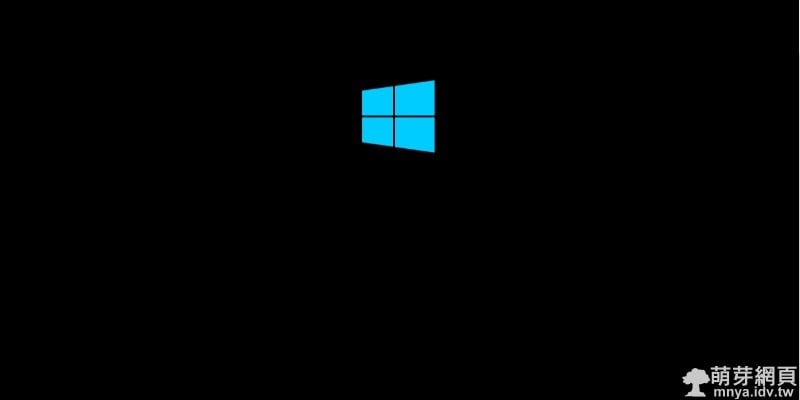
▲開機!
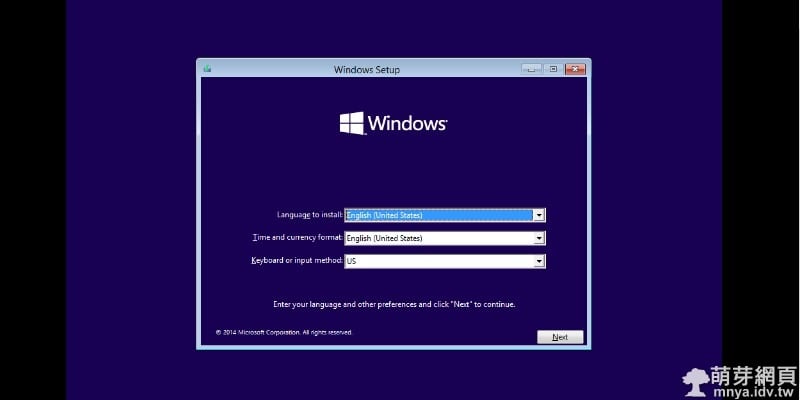
▲選擇語言、鍵盤模式,因為站長用的是英文(美國),所以無需選擇語言,鍵盤一般都是"US"。
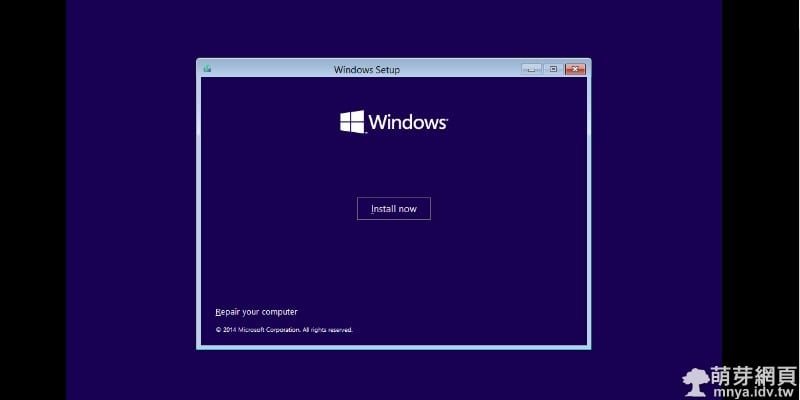
▲點"Install now"。
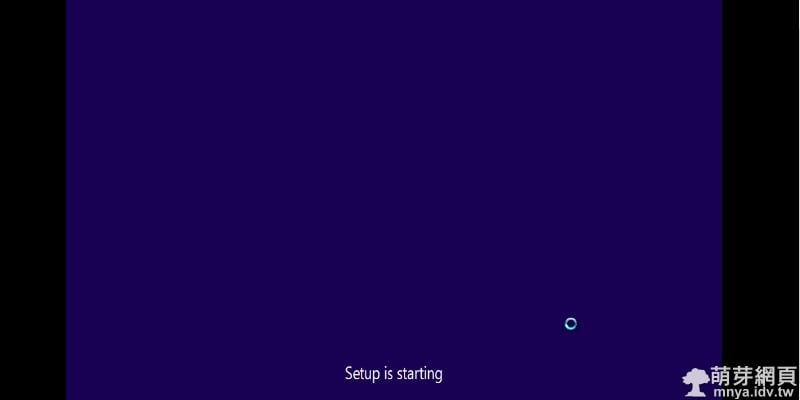
▲等待中...
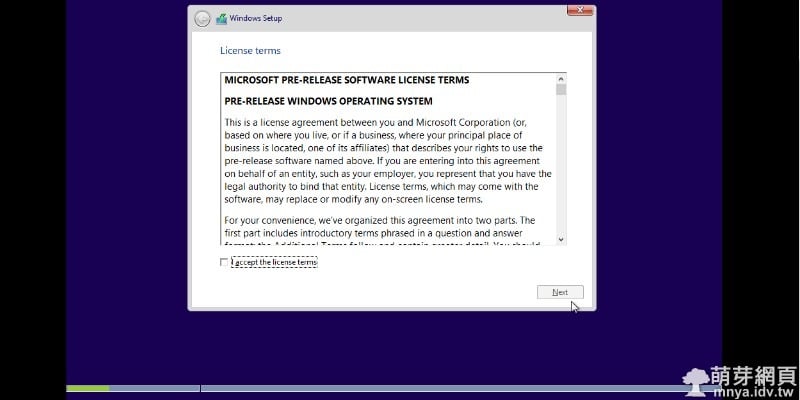
▲打勾後點"Next"。
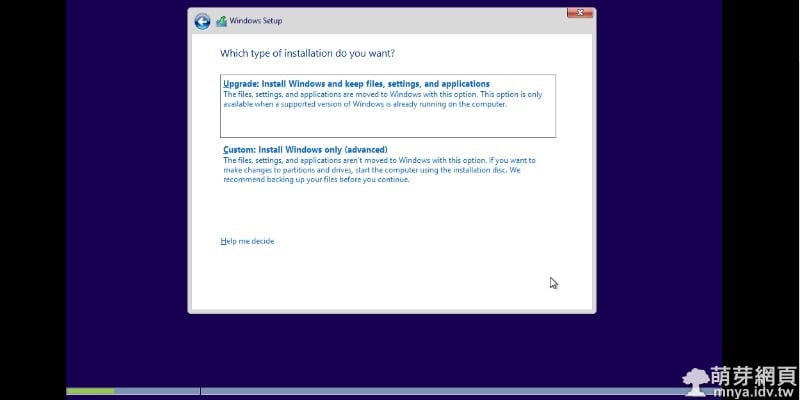
▲點下方大按鈕"Custom"。
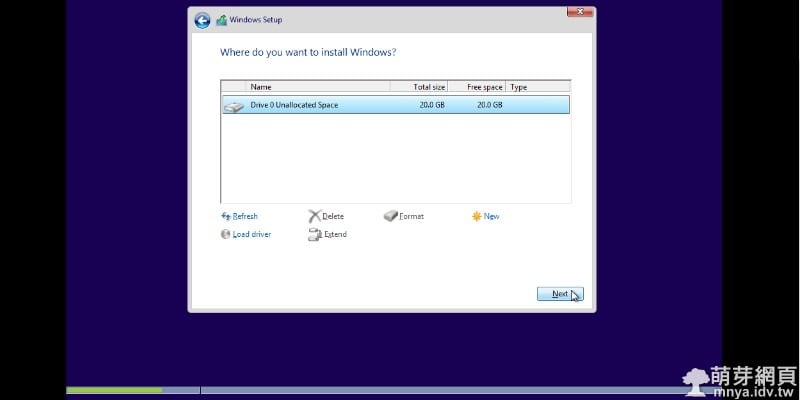
▲選擇或分隔硬碟,一般來說使用虛擬電腦模擬會長這樣,直接點"Next"即可。
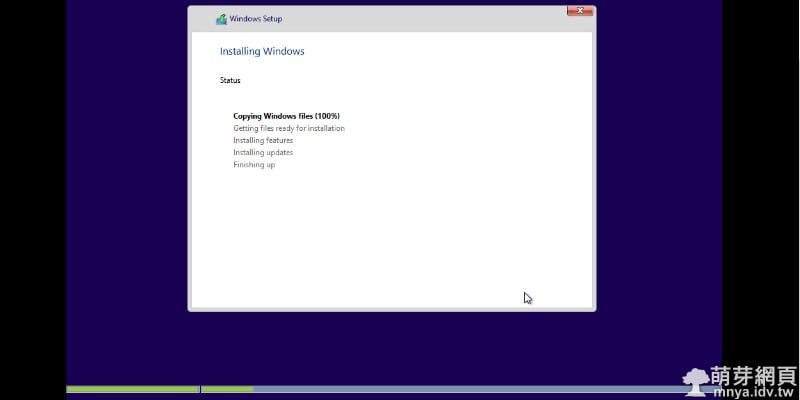
▲等待中...
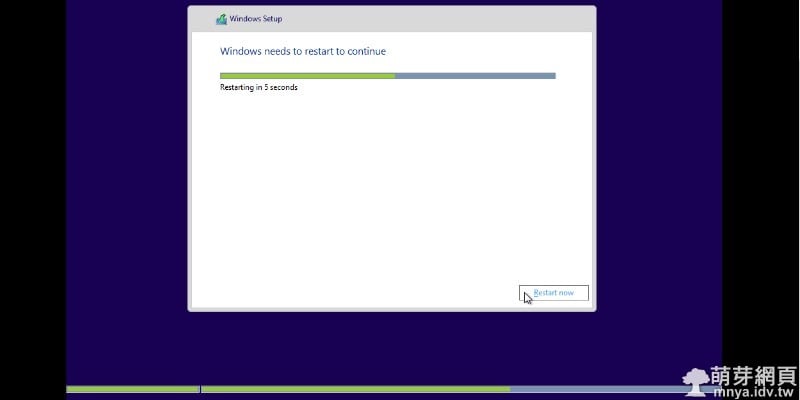
▲即將重新開機...
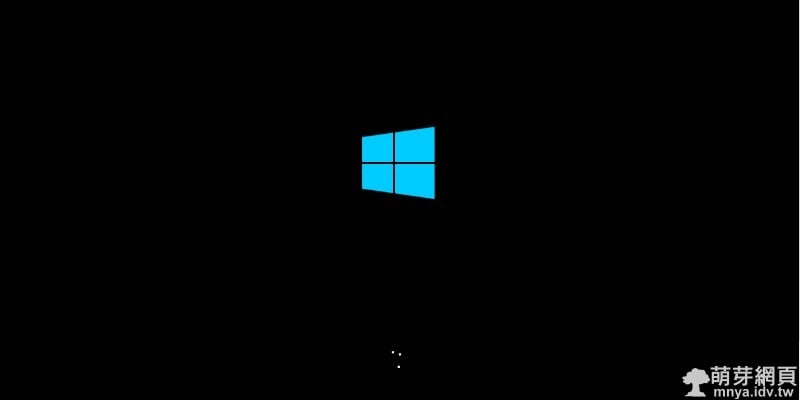
▲開機中...
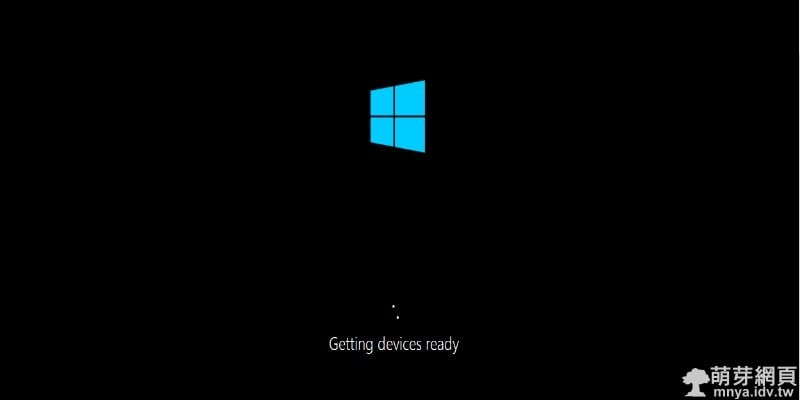
▲等待中...
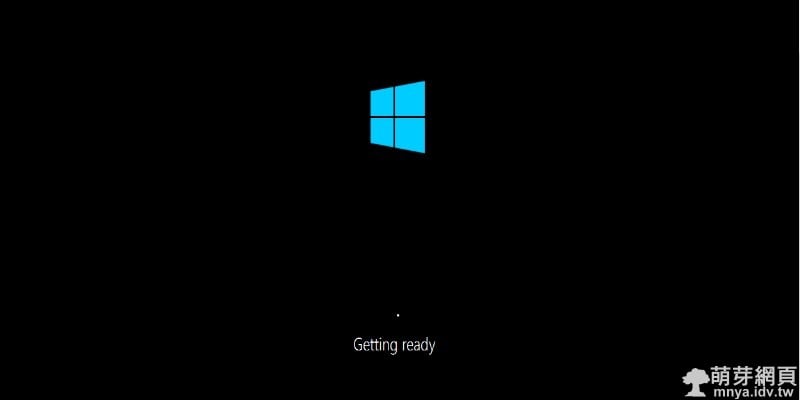
▲等待中...
▲等待中...
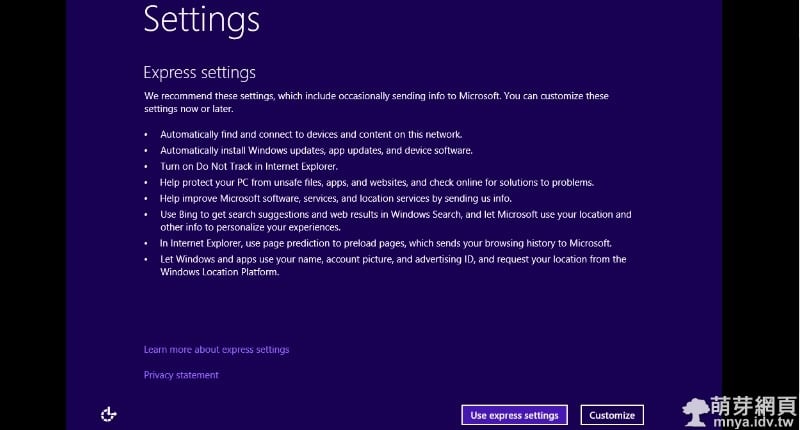
▲點"Use express settings"。
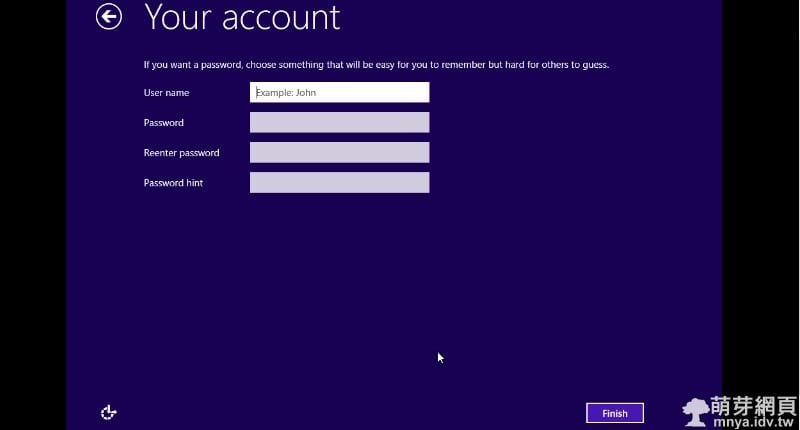
▲輸入名稱(密碼可忽略),點"Finish"。
▲等待中...
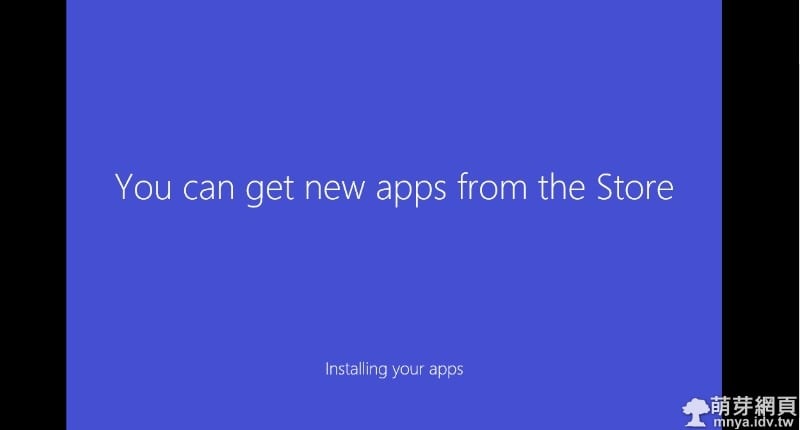
▲等待中...
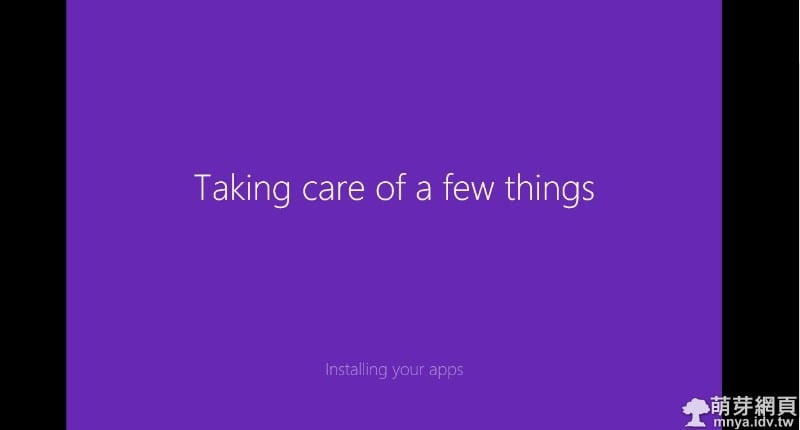
▲等待中...
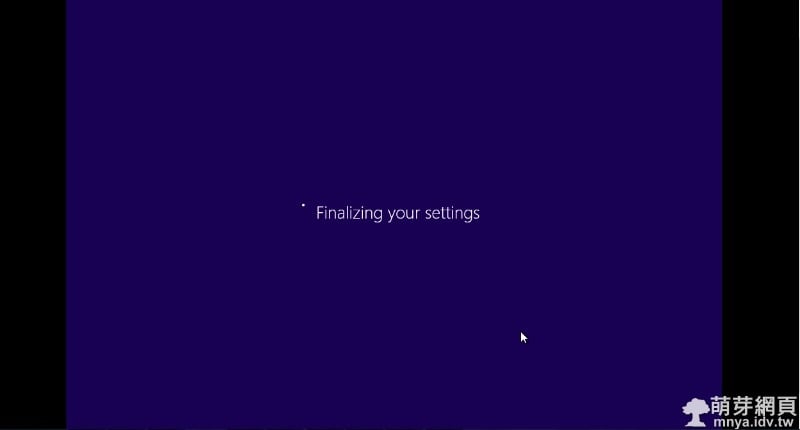
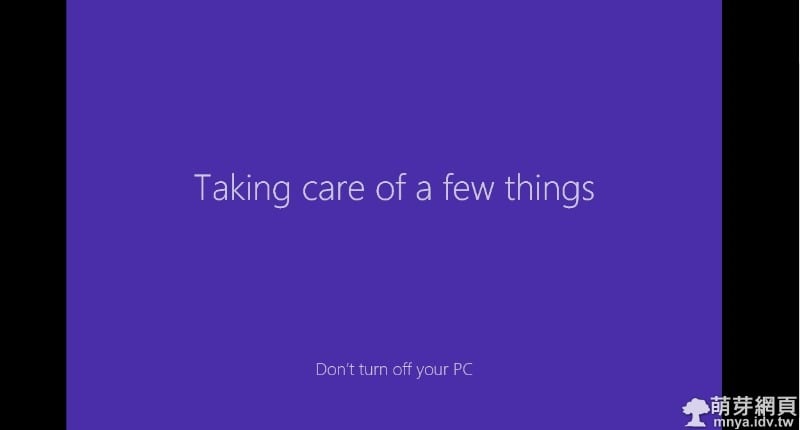
▲最後等待!
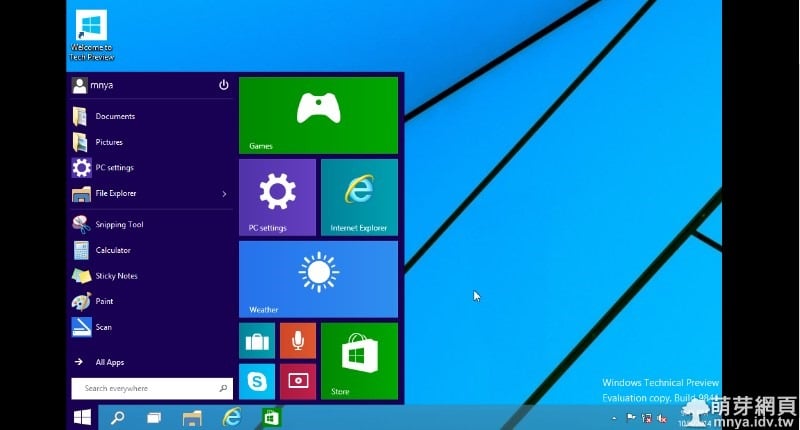
▲可以開始用囉!!Windows 10 我來啦!
✎參考資料
贊助廣告 ‧ Sponsor advertisements
Ubuntu:Docker 匯出及匯入映像(Image)
📆 2023-01-15
📁
作業系統, 伺服器, Linux, Ubuntu
【Windows 7】開啟遊樂場
📆 2014-05-22
📁
作業系統, Windows
【Windows 98】初次嘗試使用記錄
📆 2014-07-14
📁
作業系統, Windows
【Windows】微軟正黑體
📆 2013-01-01
📁
作業系統, Windows
【Windows 7】若將工作列塞爆會怎樣?
📆 2014-08-04
📁
作業系統, Windows
Windows11DragAndDropToTaskbarFix:使 Windows 11 可以拖曳檔案至工作列
📆 2022-06-11
📁
軟體介紹, 軟體應用, 作業系統, Windows
Ubuntu:安裝 Docker Compose 至伺服器之完整教學
📆 2021-10-15
📁
作業系統, 伺服器, Linux, Ubuntu
Windows 連線:投影 Android 裝置影像與聲音至電腦上
📆 2018-05-20
📁
軟體應用, 作業系統, Windows




留言區 / Comments
萌芽論壇