【ezgo11】安裝Google Chrome教學
2014/07/23
萌芽站長
1,484 1
瀏覽器 , 作業系統 , Linux , ezgo , Google Chrome
⚠️ 溫馨提醒:我們發現您可能啟用了廣告阻擋器,請將本站加入白名單以正常閱讀文章內容,謝謝支持 ❤️
ezgo11安裝Google Chrome也很容易,讓我們看教學吧!

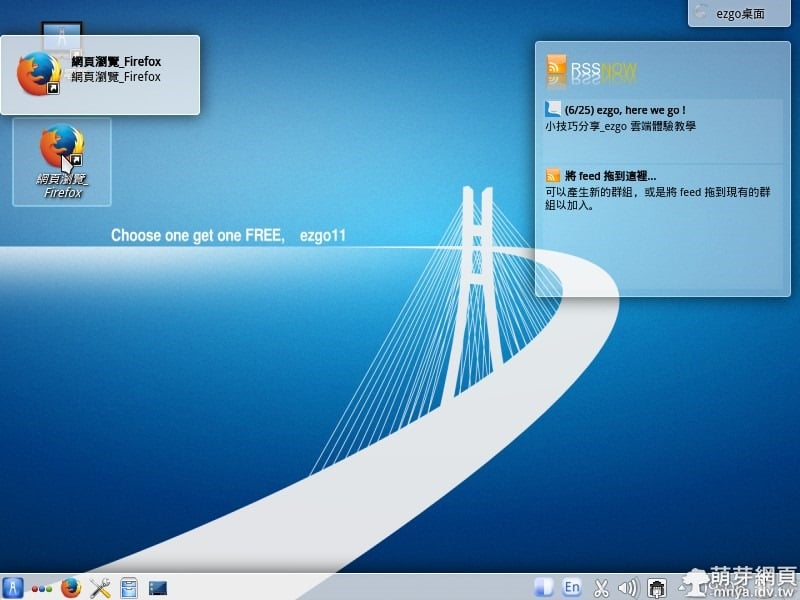
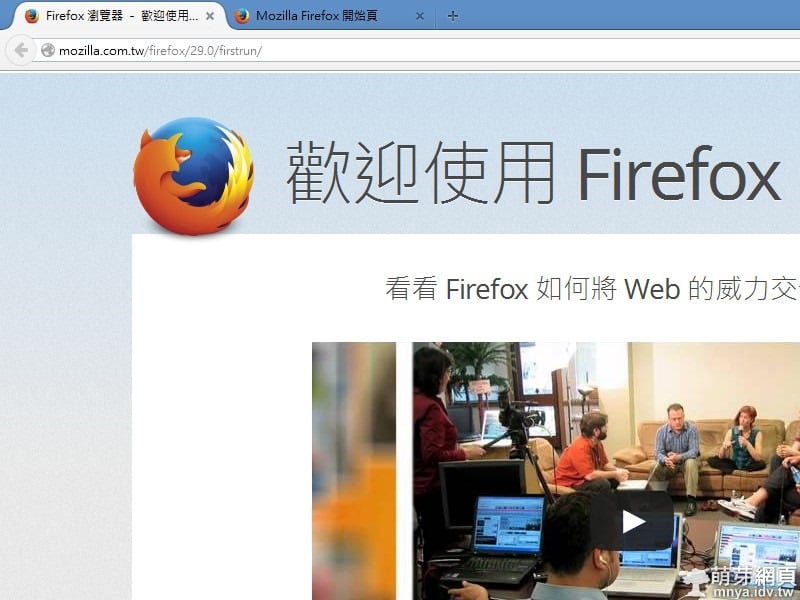
▲打開預設瀏覽器Firefox~
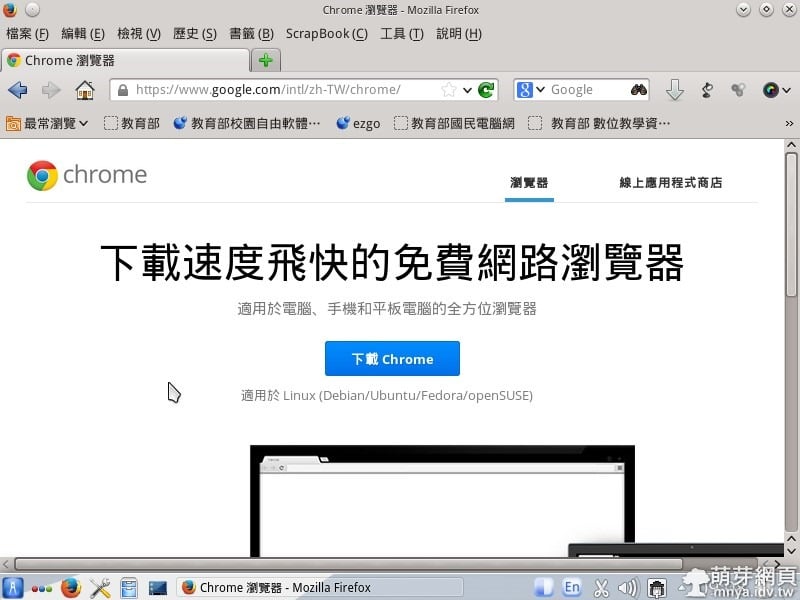
▲瀏覽Google Chrome官方網站~
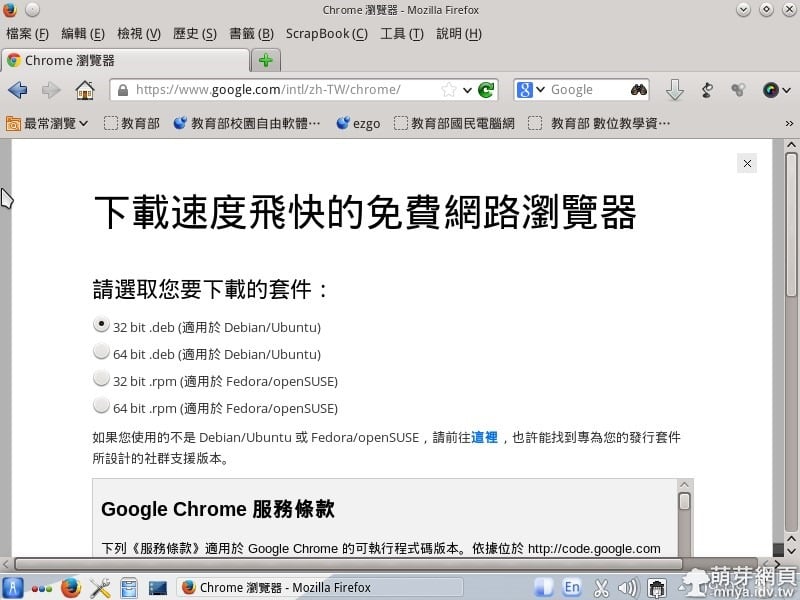
▲選第一個選項,然後開始下載~
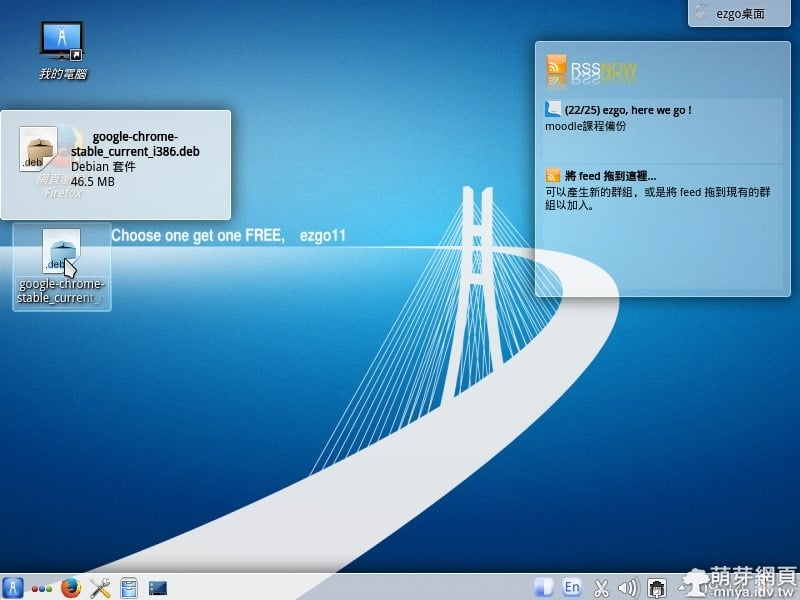
▲打開下載完的檔案~
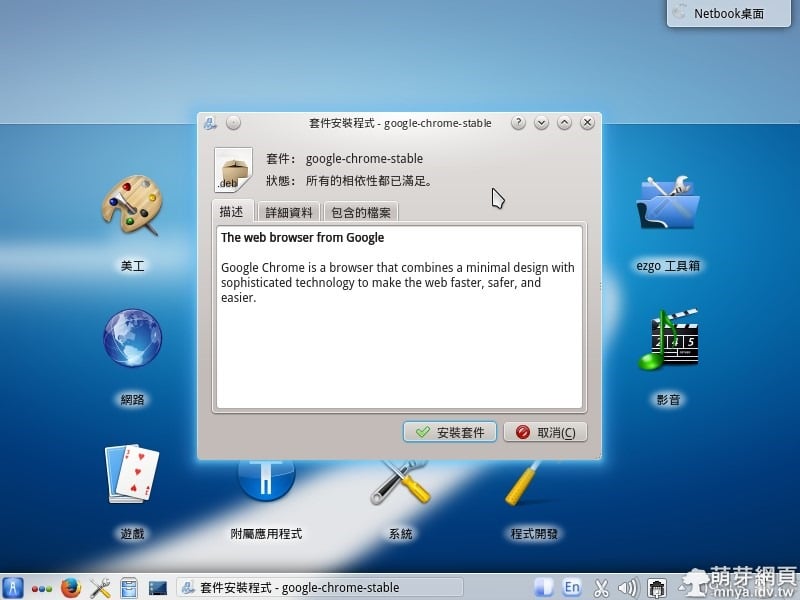
▲點"安裝套件"~
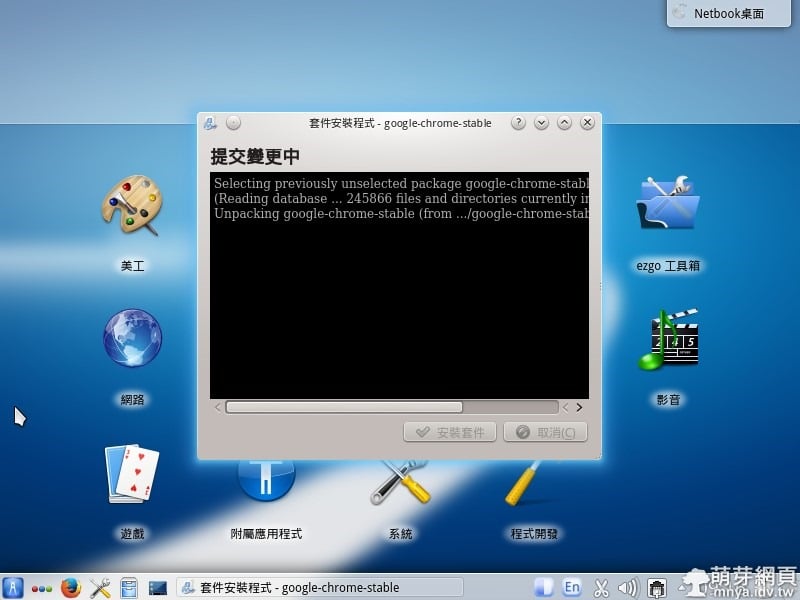
▲正在安裝...
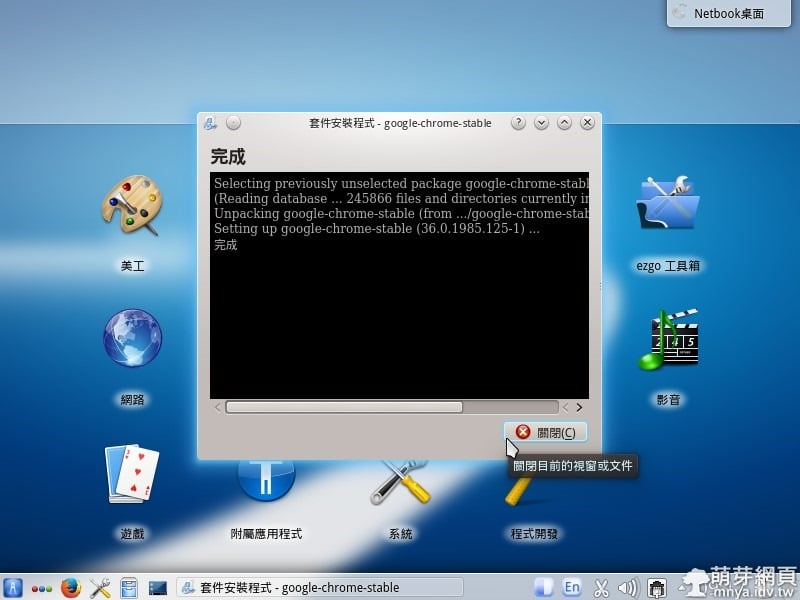
▲看到"完成"即可"關閉"。
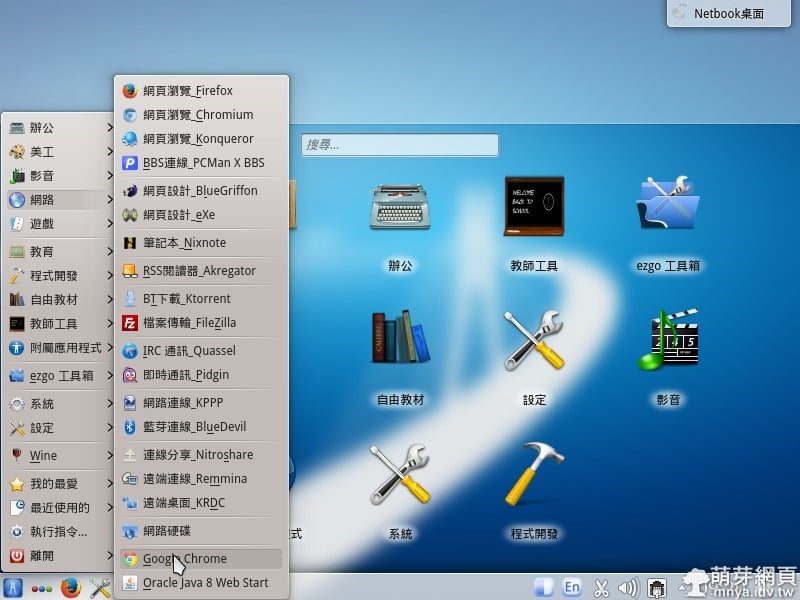
▲打開Google Chrome~
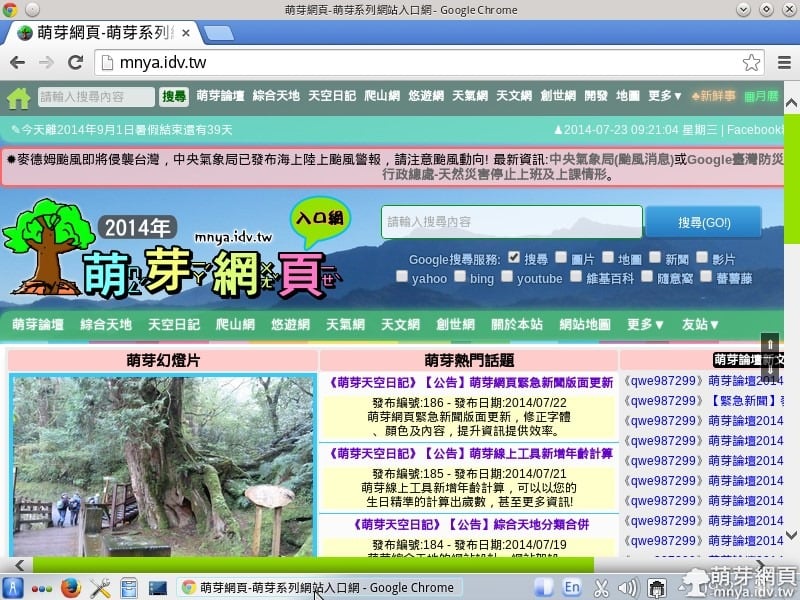
▲可以正常瀏覽萌芽網頁啦!
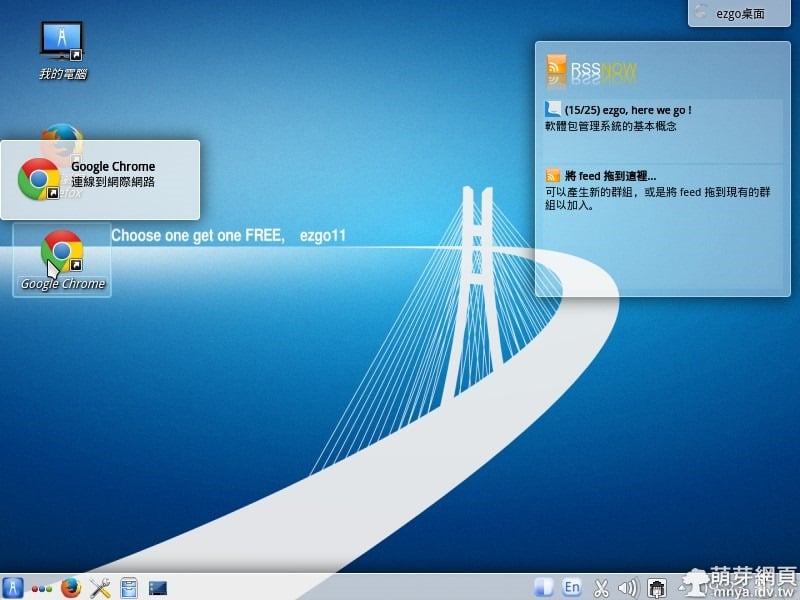
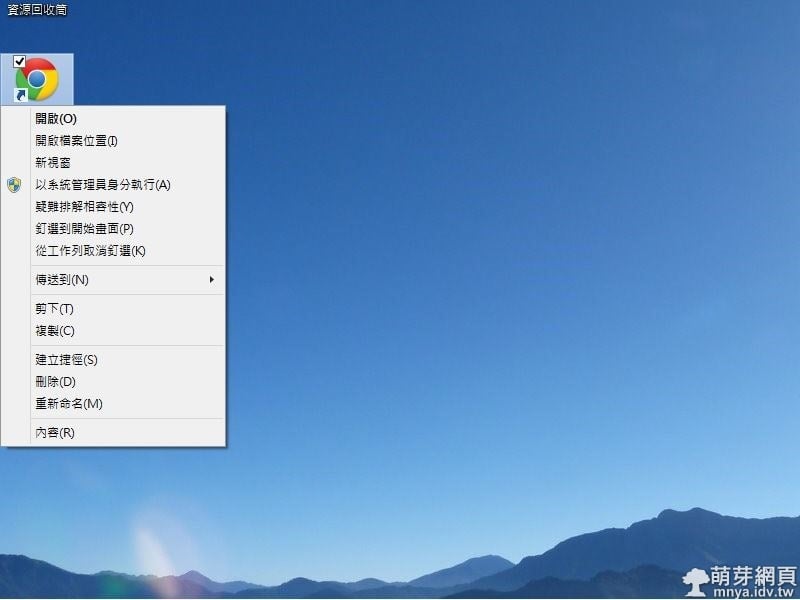
▲你可以把Google Chrome放到桌面~
贊助廣告 ‧ Sponsor advertisements
Mozilla Firefox 29 全新介面4/30正式登場!
📆 2014-04-26
📁
瀏覽器, 資訊新聞, Firefox
Google Chrome擴充功能:Wappalyzer
📆 2015-06-05
📁
瀏覽器, Google Chrome, 擴充元件
Firefox網頁3D檢視
📆 2014-01-31
📁
軟體應用, 瀏覽器, Firefox
【Ubuntu 14.04 LTS】安裝Stellarium教學
📆 2014-05-18
📁
作業系統, Linux, Ubuntu
Dark Reader:讓所有網站都支援黑暗模式,自定義黑暗模式擴充
📆 2019-05-08
📁
軟體應用, 瀏覽器, Google Chrome, Firefox, 擴充元件
Firefox Developer Edition:拍攝網頁完整截圖
📆 2016-04-09
📁
軟體應用, 瀏覽器, Firefox
【Windows】快捷鍵:別再找我的電腦在哪了,只要一步驟,贏過別人!
📆 2014-03-02
📁
作業系統, Windows
【Windows 8.1】將捷徑釘選在開始畫面(動態磚)
📆 2014-04-22
📁
作業系統, Windows



留言區 / Comments
萌芽論壇