
由 Pruna AI 基於 MiniMax-H3 開發的 P-H3-Image 是一款兼具文生圖與多圖編輯能力的開源影像模型。其核心架構搭載 33.1B 參數的 Transformer,最引人注目的突破在於僅需短短 8 步採樣(8 steps),且完全擺脫了傳統無分類器引導(No CFG)與負向提示詞的束縛,即可原生輸出高達 800 萬像素(8MP)的細緻畫面;在影像編輯模式下,更能同時接收多達 8 張參考圖進行合成置換。該模型在真實皮膚紋理、底片膠卷質感、社論攝影以及短文字排版上表現極其優異。儘管 bf16 原生架構需要破百 GB 的龐大顯存,但透過 ComfyUI 的 int8 與 4-bit 量化版本,已成功將門檻降至 21 GB VRAM 左右,讓個人創作者也能在本地端享有高解析度的極速成像體驗。
然而,P-H3-Image 對提示詞結構極度敏感:工作流內建基於 Qwen3.5-9B 的提示詞擴增器(Prompt Upsampler),若選擇手寫直出或為了節省顯存而關閉擴增器,就必須嚴格遵循「開門見山定義媒介載體」、「描述單一連貫場景」與「精確引號文字」等準則,並嚴禁加入「masterpiece」、「8k」等會導致畫面過度飽和油膩的誇飾贅詞;而在編輯任務中若未指定保留區域,亦容易導致場景遭到全面重繪。為此,「P-H3-Image Prompter」技能便成為不可或缺的提示詞工程助手,能將使用者的發想迅速轉譯為擴增器專用的雙行格式(Aspect ratio 與 Request)或規範嚴謹的手寫直出版本,並自動計算符合 32 倍數的最佳解析度設定,大幅簡化 ComfyUI 的工作調校流程。
SKILL.md (技能)
# P-H3-Image Prompter

Expert prompt engineer and configuration assistant for P-H3-Image (MiniMax-H3 based) text-to-image and image editing workflows.

## When to Use

- When the user asks for prompts tailored for P-H3-Image or MiniMax-H3 Image generation.
- When formatting requests for the P-H3-Image ComfyUI workflow (Text to Image or Image Edit).
- When converting general ideas into the official `Aspect ratio:` + `Request:` structure.
- When generating direct (hand-crafted) prompts for running with Prompt Upsampler disabled.

## Core Rules and Prompt Architectures

P-H3-Image operates in two distinct prompting modes depending on whether the internal Prompt Upsampler (Qwen3.5-9B) is enabled or bypassed.

### Mode 1: With Prompt Upsampler (Default ComfyUI Workflow)

When the workflow uses the official `PH3ImageConditioning` with `Use prompt upsampler` enabled, the model expects a compact format:

```text
Aspect ratio:
Request:
```

#### Guidelines for Mode 1:

- Keep the `Request:` line concise and focused on the core concept (1-2 sentences).
- Do not add hype words (e.g. 8k, masterpiece, hyper-detailed, cinematic). The internal upsampler handles stylistic expansion automatically.
- For image editing, describe only the desired change or finished outcome in one short sentence. Do not redescribe the rest of the image.

### Mode 2: Direct Hand-Written Prompts (Prompt Upsampler Bypassed / Off)

When generating prompts for direct execution without the upsampler (e.g. to save VRAM), structure the prompt following the four golden rules:

1. **State the medium or carrier first:** Open with an explicit statement of what the image is (e.g., "A 35mm film photograph", "A frame from a 1980s Japanese anime TV series", "A two-color risograph print", "A vintage botanical watercolor illustration").
2. **Describe a single coherent scene:** Specify one primary subject, pose or action, surrounding environment, and lighting direction or quality.
3. **Quote any required text verbatim:** Place visible strings in double quotation marks (e.g., text reading "COFFEE", no other text).
4. **Strictly exclude quality buzzwords:** Omit words like masterpiece, photorealistic, 8k, trending on artstation, or ultra-detailed.

## Aspect Ratio and Resolution Reference

P-H3-Image is natively trained on 8-megapixel (8 MP) images with dimensions rounded to multiples of 32:

- **1:1**: 2912 x 2912 (8 MP default, width/height = 0 in ComfyUI node) | 2048 x 2048 (4 MP) | 1024 x 1024 (fast testing)
- **4:3**: 3360 x 2496 (8 MP) | 2368 x 1760 (4 MP)
- **3:4**: 2496 x 3360 (8 MP) | 1760 x 2368 (4 MP)
- **3:2**: 3552 x 2368 (8 MP) | 2496 x 1664 (4 MP)
- **2:3**: 2368 x 3552 (8 MP) | 1664 x 2496 (4 MP)
- **16:9**: 3872 x 2176 (8 MP) | 2720 x 1536 (4 MP)
- **9:16**: 2176 x 3872 (8 MP) | 1536 x 2720 (4 MP)

## Image Editing Guidelines

When generating edit instructions:

- **Single image edit:** `Edit Picture 1. . Keep  exactly as it is.`
- **Multi-image composition (up to 8 images):** Clearly reference images by identifier (Picture 1, Picture 2, etc.), e.g., `give the woman in Picture 1 the hat from Picture 2`.
- Point to specific objects rather than generic pronouns.

## Output Format

Whenever generating prompts for the user:

1. Provide the **Mode 1 format (Upsampler on)** with clear `Aspect ratio:` and `Request:` lines ready to copy.
2. Provide the corresponding **Mode 2 format (Direct prompt)** for users who bypass the upsampler to save VRAM.
3. State the recommended `width x height` settings for ComfyUI.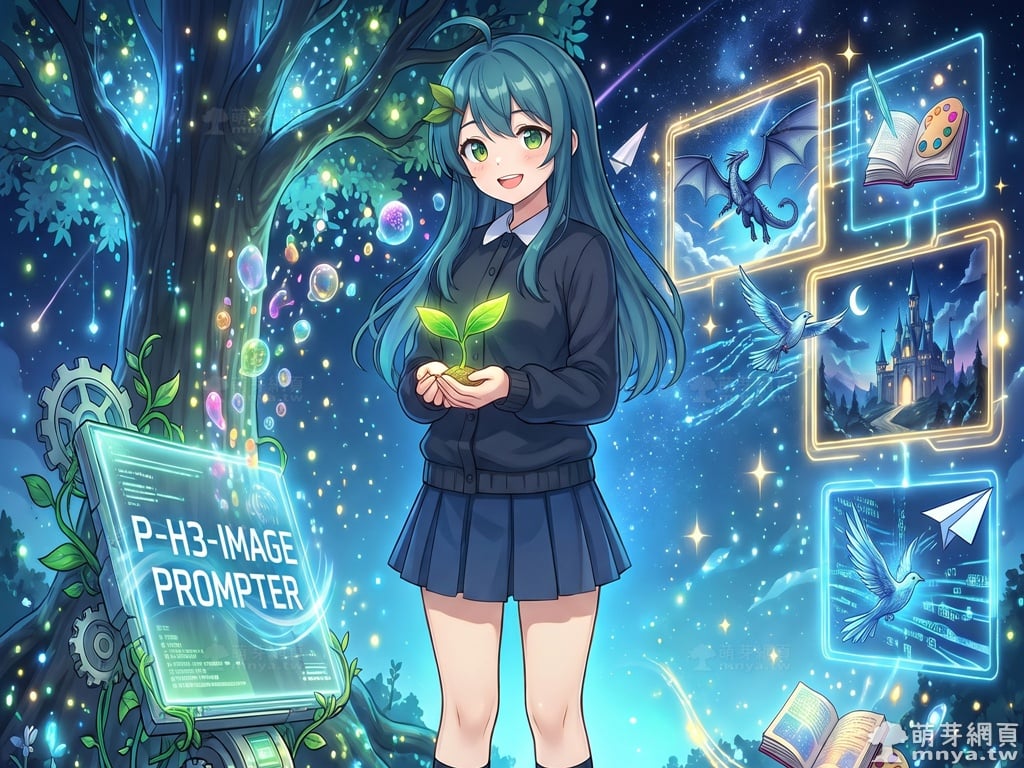
贊助廣告 ‧ Sponsor advertisements



 《上一篇》ComfyUI x MiniMax H3 x P-H3-Image:指定背景與多位角色生成互動圖,挑戰模型多圖合成編輯能力!


留言區 / Comments
萌芽論壇